
Describe it, don’t configure it
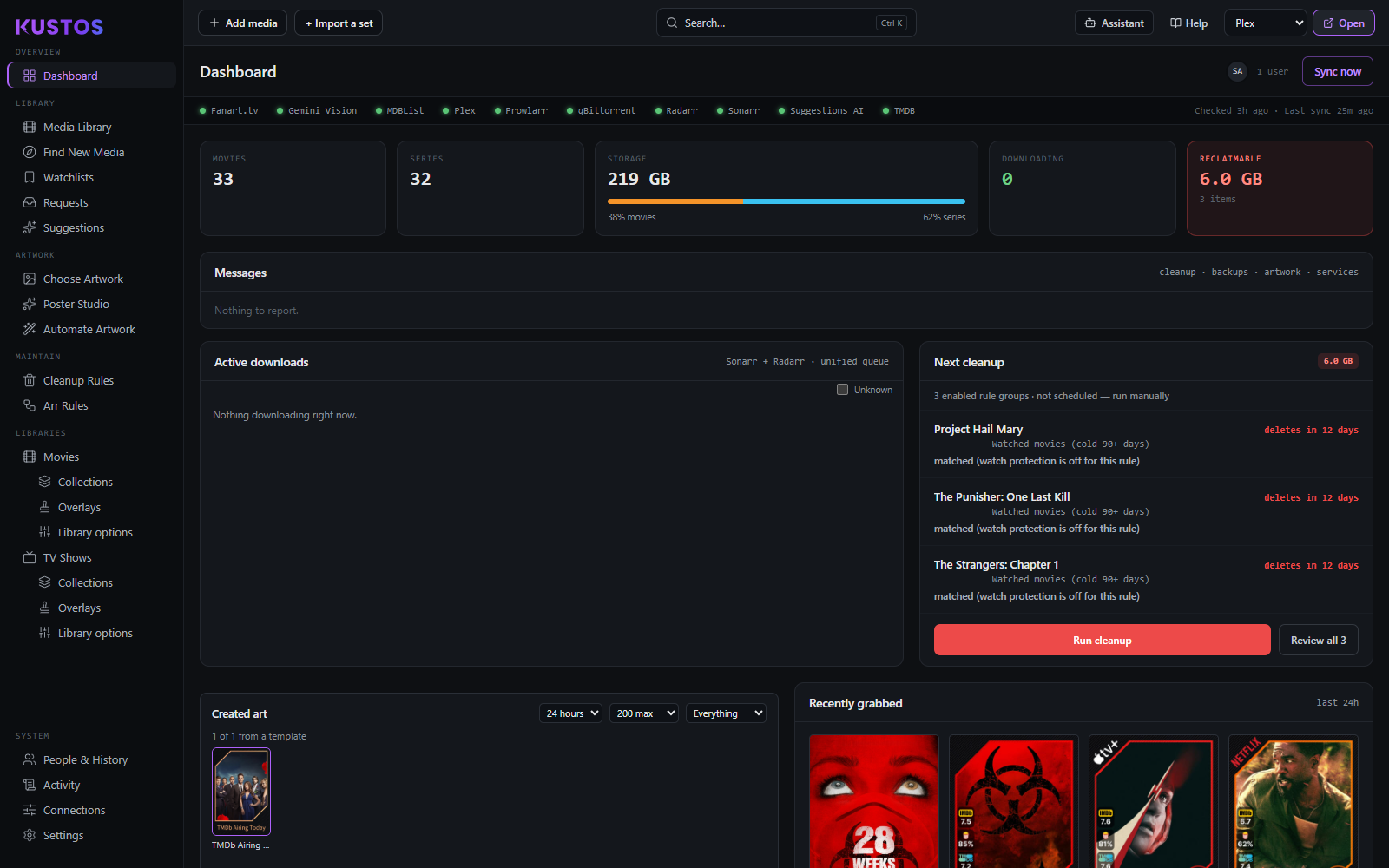
Ask for the collection or the cleanup rule you want in plain words. By default the assistant tells you exactly what to set; switch it to Full and it makes the change itself, saying what it is about to do first.



Kustos looks after the parts Plex and the *arrs don't: collections, artwork, overlays, tidying up, requests — and who in the house has watched what. $5.99 a month, and the first 30 days are free.
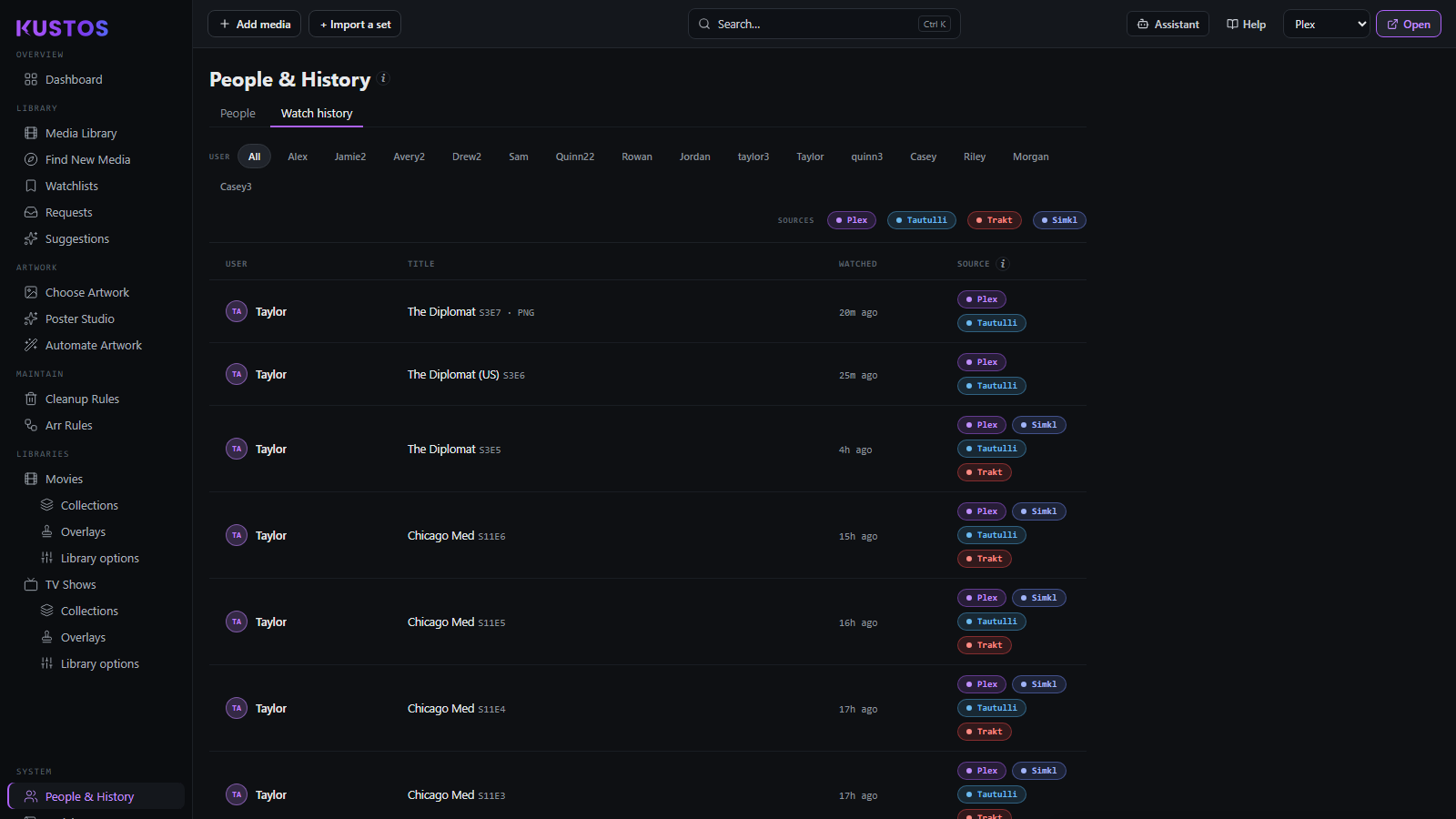
Kustos reads plays from Plex, Tautulli, Trakt and Simkl and merges them into one history per person — down to the episode.
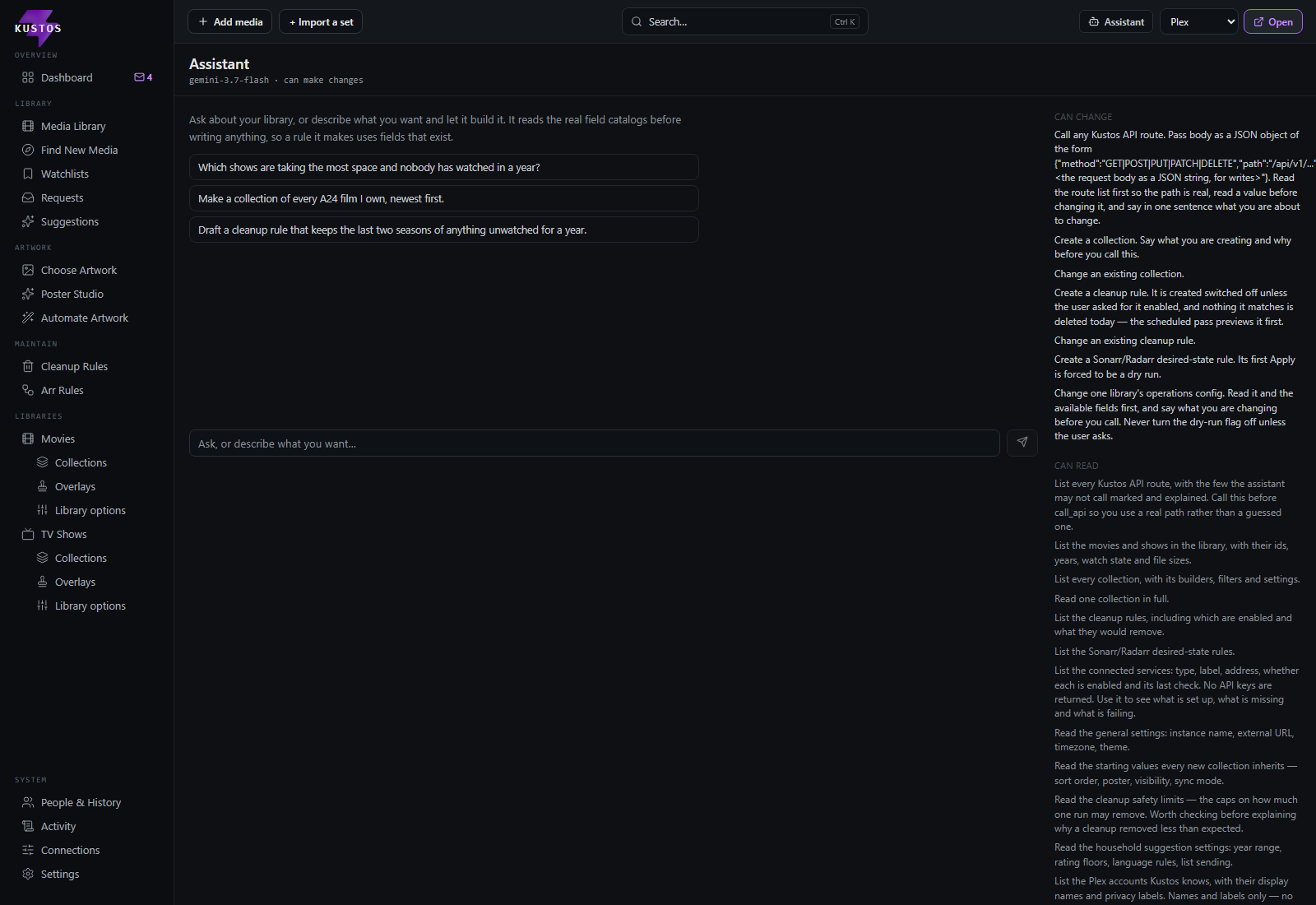
Ask for what you want in plain words. By default it reads your library and settings and tells you exactly what to set. Switch it to Full and it makes the change itself, saying what it is about to do first.
A cleanup rule it writes is created switched off unless you ask for it on, and nothing it matches is deleted that day — the scheduled pass previews it first.
Watch data, collections and artwork all refresh on a schedule, and everything that could remove something reports first.
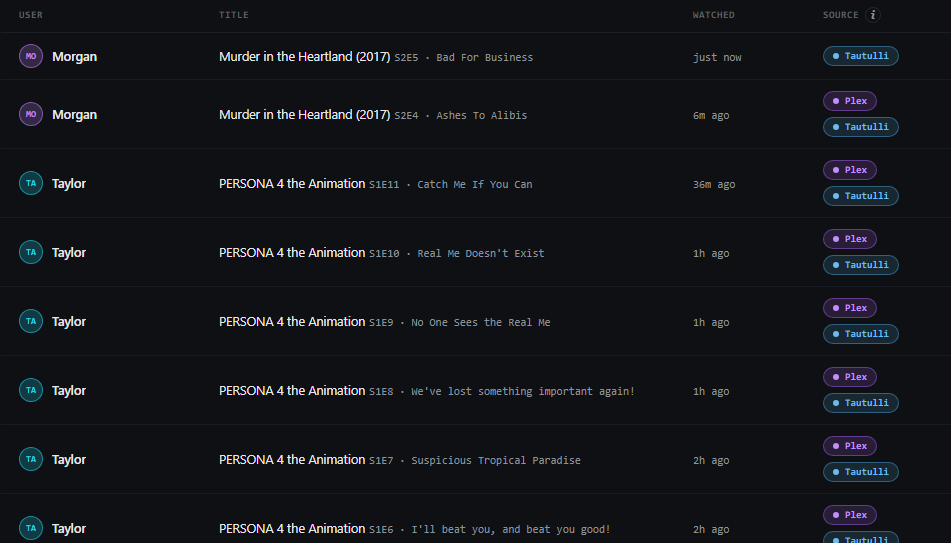
Watch data for everyone in the house, merged from Plex, Tautulli, Trakt and Simkl into one history — and used by everything else Kustos does.
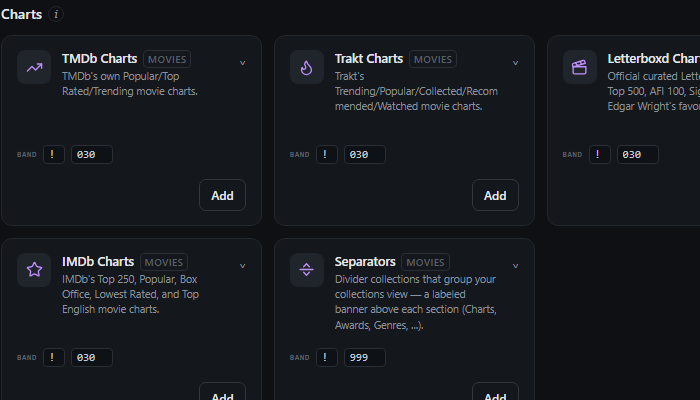
Build and keep collections from around 55 sources, plus a large library of ready-made presets, refreshed on a schedule.
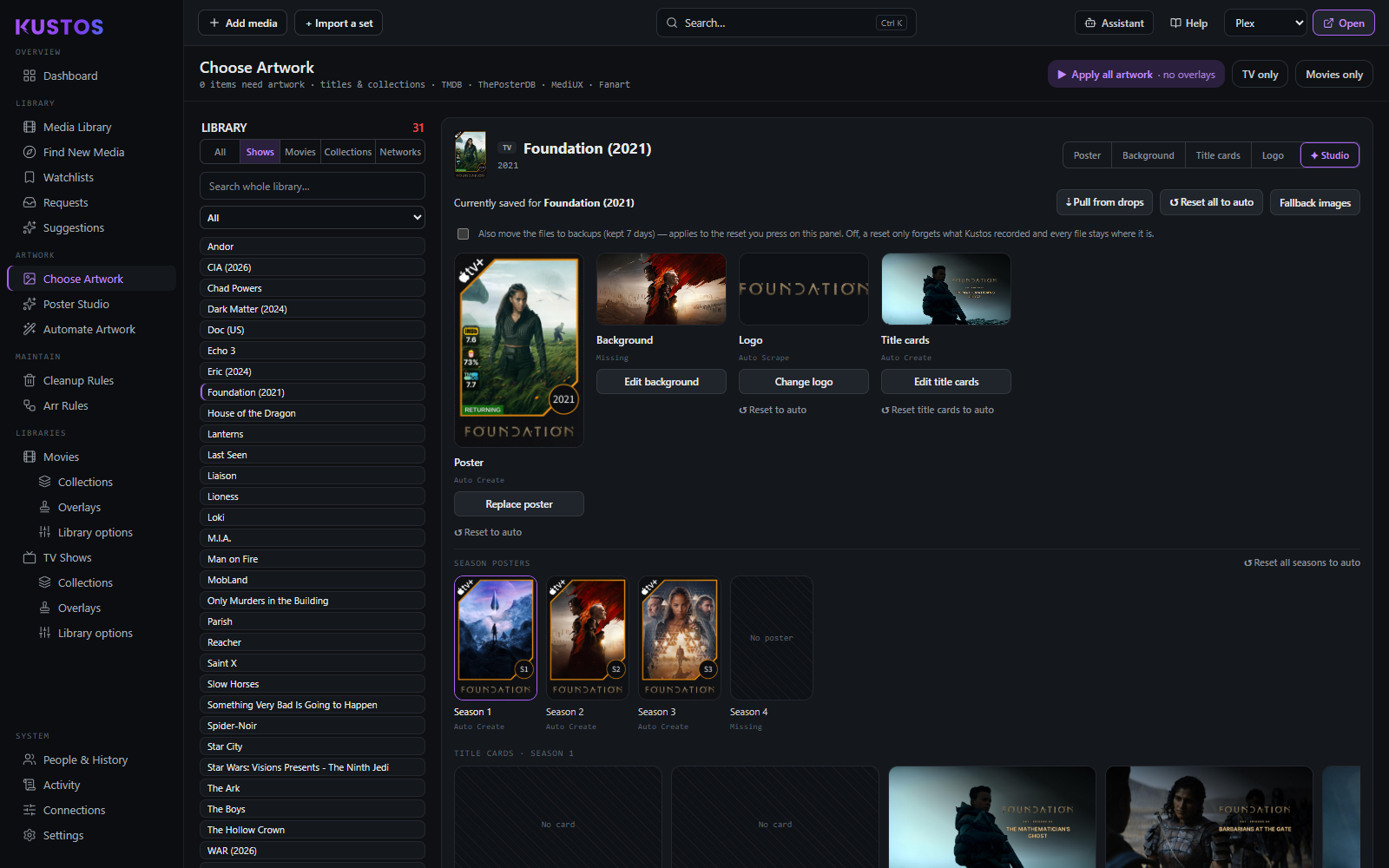
Pick posters, backgrounds, title cards and logos per title, design your own in Poster Studio, or let it run nightly.
Every screen is a job you were otherwise doing by hand.
Ask for the collection or the cleanup rule you want in plain words. By default the assistant tells you exactly what to set; switch it to Full and it makes the change itself, saying what it is about to do first.
Per-person watch history, merged across services, with per-episode detail and no one asked to sign up for anything.
A show nobody has finished never gets cleaned up. Keep, Rewatch and Dropped flags are per person, per title.
Fifty-five sources and hundreds of presets, kept true on a schedule rather than at the moment you press a button.
Design artwork yourself — or enrol a show and let the nightly pass keep it filled in.
Resolution, ratings, status, streaming-service and award badges stamped onto posters, per library and media type.
Watch-aware deletion with a safe mode, grace periods and a Leaving Soon queue you can review first.
Someone adds a title to their watchlist and it turns up here, tagged with who asked for it.
What to watch next, worked out per person from what they have actually watched, each pick with its reason.
Monitoring, quality profiles and tags kept the way you decided, across Sonarr and Radarr, continuously.
It replaces none of your setup. It looks after the gaps between the pieces.
No tiers and no per-library pricing. Sign in with the Plex account that owns your server and the first 30 days are free — no card.
Cancel any time.
Two months cheaper than paying monthly.
Kustos stays on your own network and only you use it. An invite link is a single page where someone links their own Trakt account — no Kustos account, no access to anything. For someone outside your home to open it, Kustos needs an address they can reach.