Six ideas, then one screen per job
Kustos is shaped like the way you already think about your library: what you own, what it looks like, what should go, and who has watched it.
It describes what should be true
Rules are not one-off actions. Kustos keeps them true on a schedule, so a rule catches titles no matter how they arrived.
Nothing deletes on its first run
Cleanup has a safe mode that reports what it would do and removes nothing. When a rule does match something, it enters Leaving Soon with a countdown (7 days unless you change it) before anything is deleted.
Watch data is merged, not picked
Plex, Tautulli, Trakt and Simkl become one picture. One source works; two means a missed scrobble can never drop a show someone is mid-way through.
It only touches what it owns
A tag or label rule only touches the one tag it names — never your own labels, never someone else’s.
One title, one identity
Series that other services split in two are collapsed onto one id, so watch marking, posters and requests all agree. Your override wins.
Order is always stated
Global, then per library, then the collection itself. Artwork you picked by hand is never overwritten by anything scheduled.
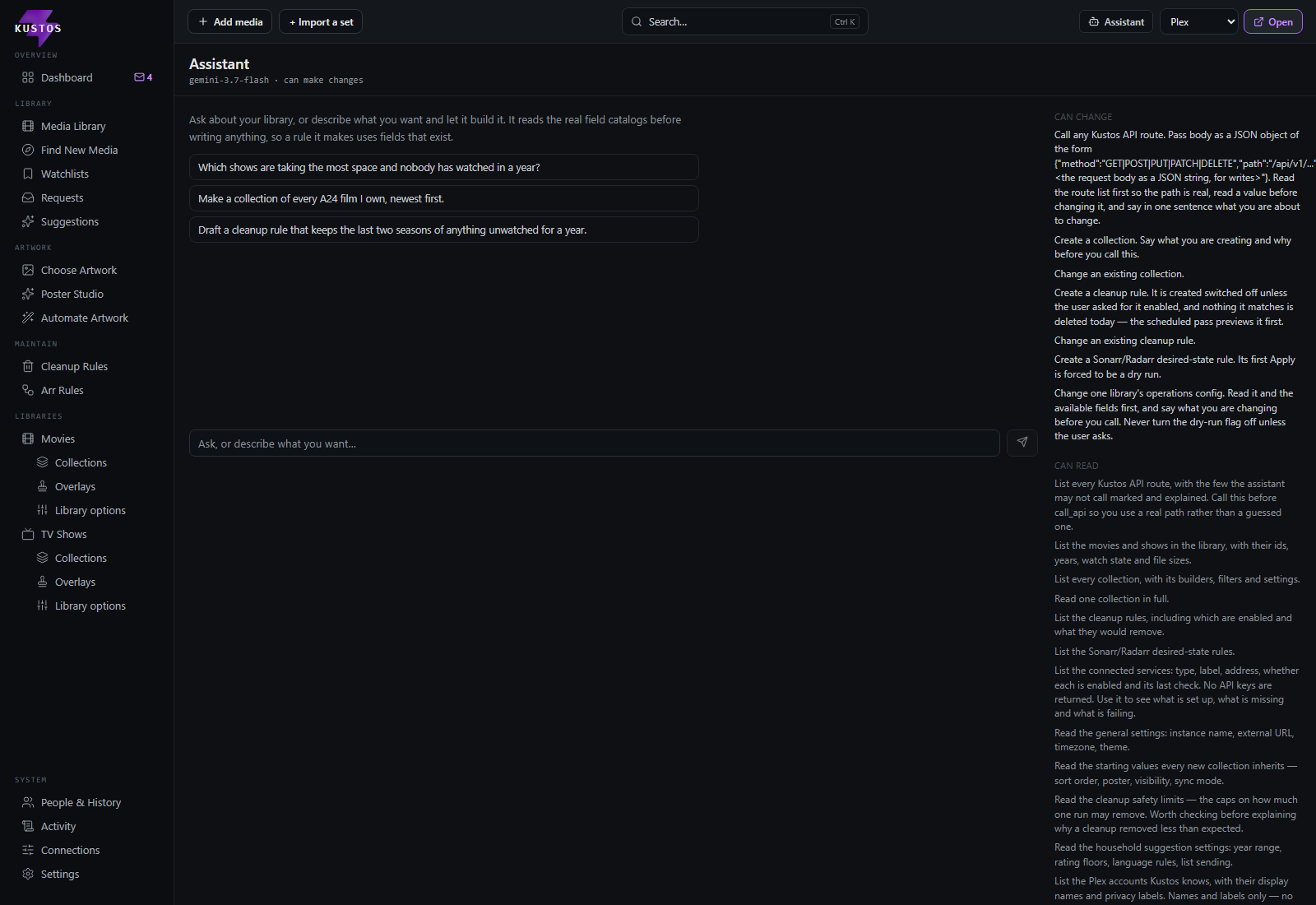
Ask for it, and it builds it
The part of a tool like this that usually costs you an evening — working out which switch does what — is a sentence instead.
- —It reads your real libraries, collections, rules and settings before it writes anything, so what it builds uses fields that actually exist.
- —It says what it is about to change, in one sentence, before it changes it.
- —A cleanup rule it writes arrives switched off unless you ask for it on, and nothing it matches is deleted that day.
- —A Sonarr or Radarr rule it writes starts disabled, with a Preview that is always a dry run.
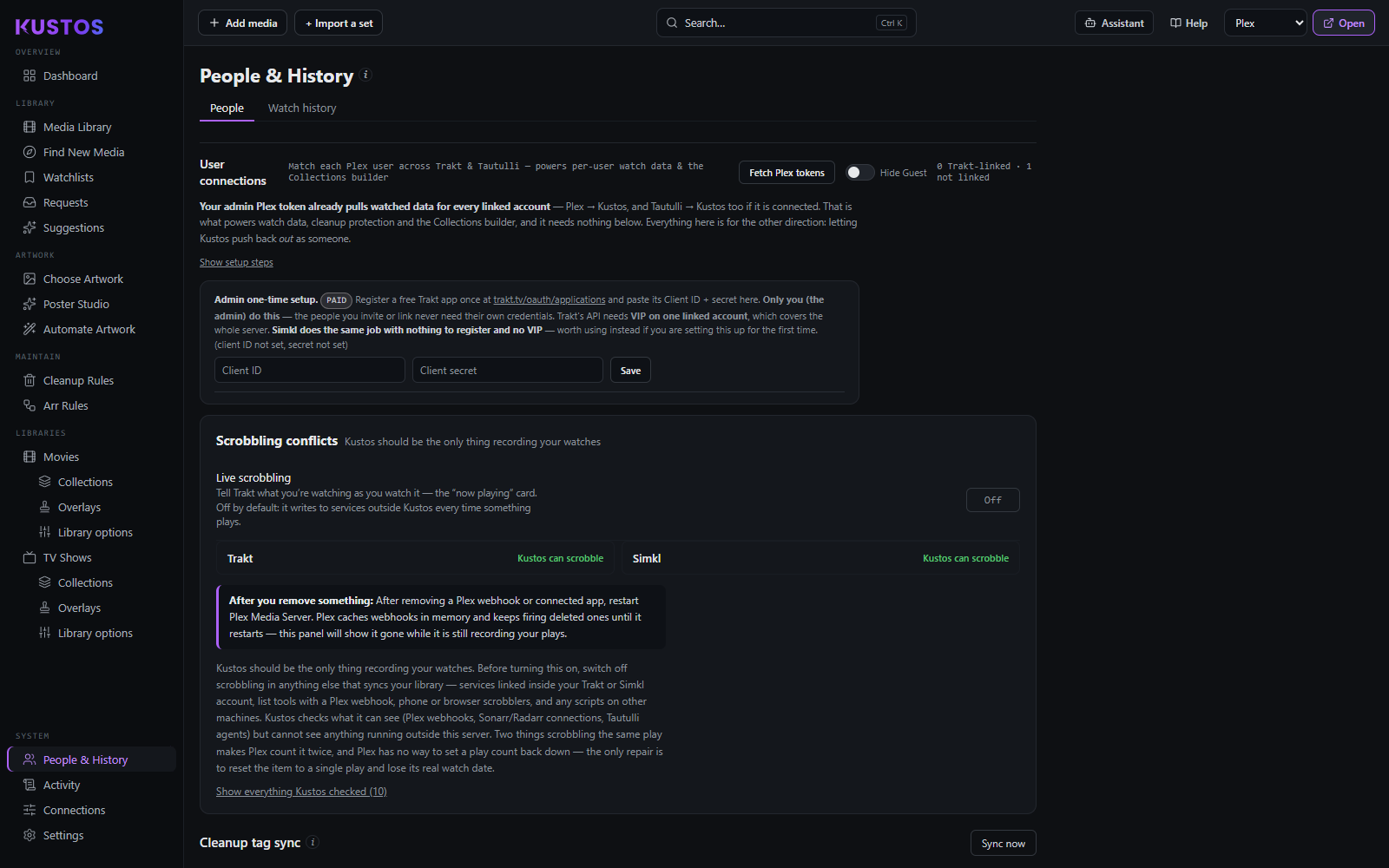
Who watched what, in one place
Everyone your Plex server knows, friends included, with their plays merged from Plex, Tautulli, Trakt and Simkl.
- —Reading history needs nothing from anyone else — no accounts, no tokens, no setup for the household.
- —Movies work from any single source. Episode-level detail comes from Plex history or Tautulli.
- —Keep protects a title from cleanup absolutely. Rewatch is a one-time do-over that clears itself. Dropped ignores one person’s half-watched state.
- —Hiding someone is display-only: their watch history still counts, so nothing gets deleted out from under them.
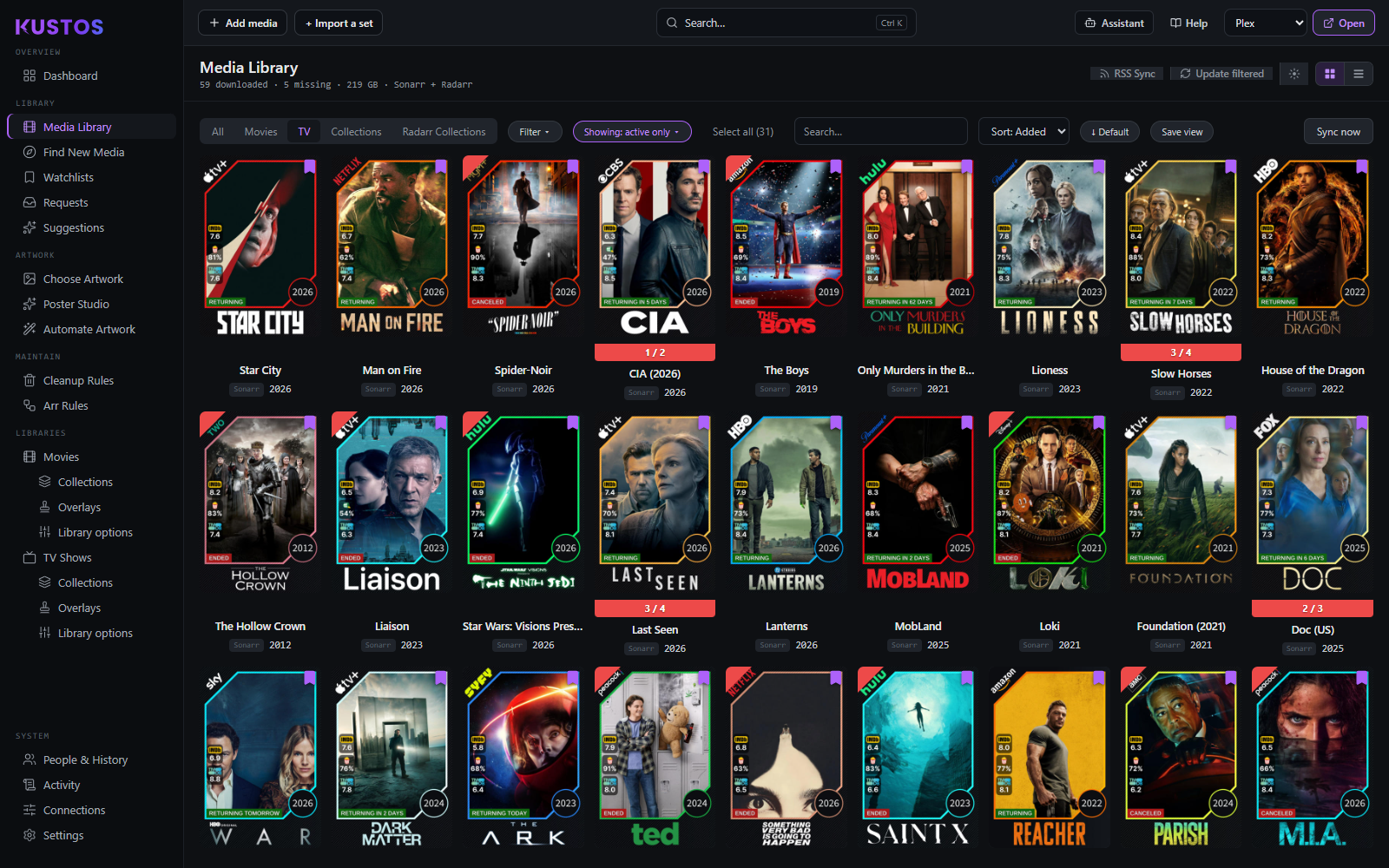
Everything you own, in one view
Filter by kind, status and series state; sort by title, year, size or recently added; list or grid.
- —Status colours at a glance: complete, downloading, upgrade available, missing.
- —Bulk edits run one title at a time on purpose, so one failure never takes the rest with it.
- —Removing a download defaults to the polite option: drop it from the queue, leave the torrent seeding.
Pick it, design it, or let it run
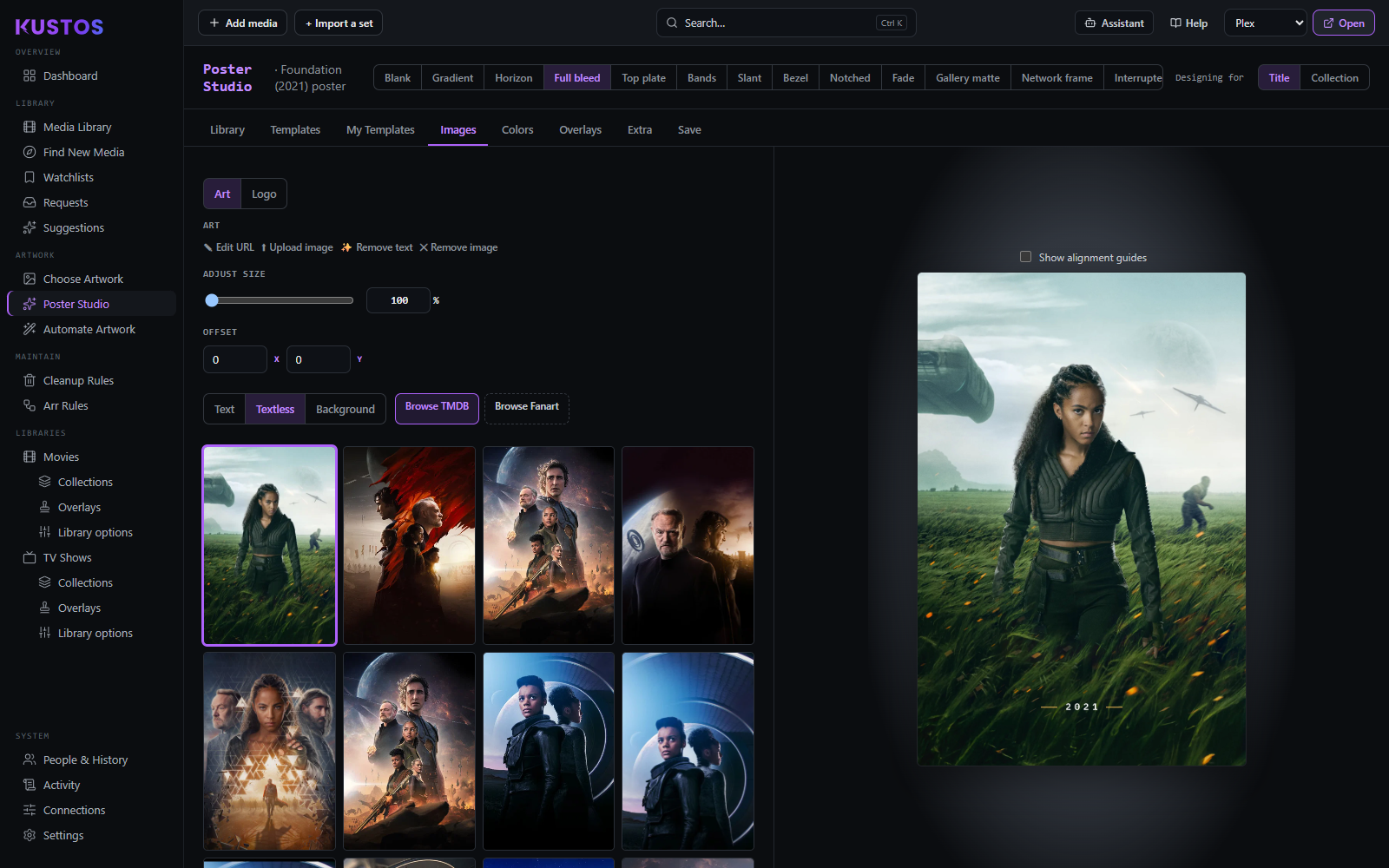
Posters, backgrounds, title cards and logos per title — by hand, from scratch in Poster Studio, or nightly.
- —Your highest-ranked source wins and overwrites the ones below it.
- —A show you enrolled outranks the default for that show.
- —Artwork you picked by hand is never overwritten by anything scheduled.
Rules that keep being true
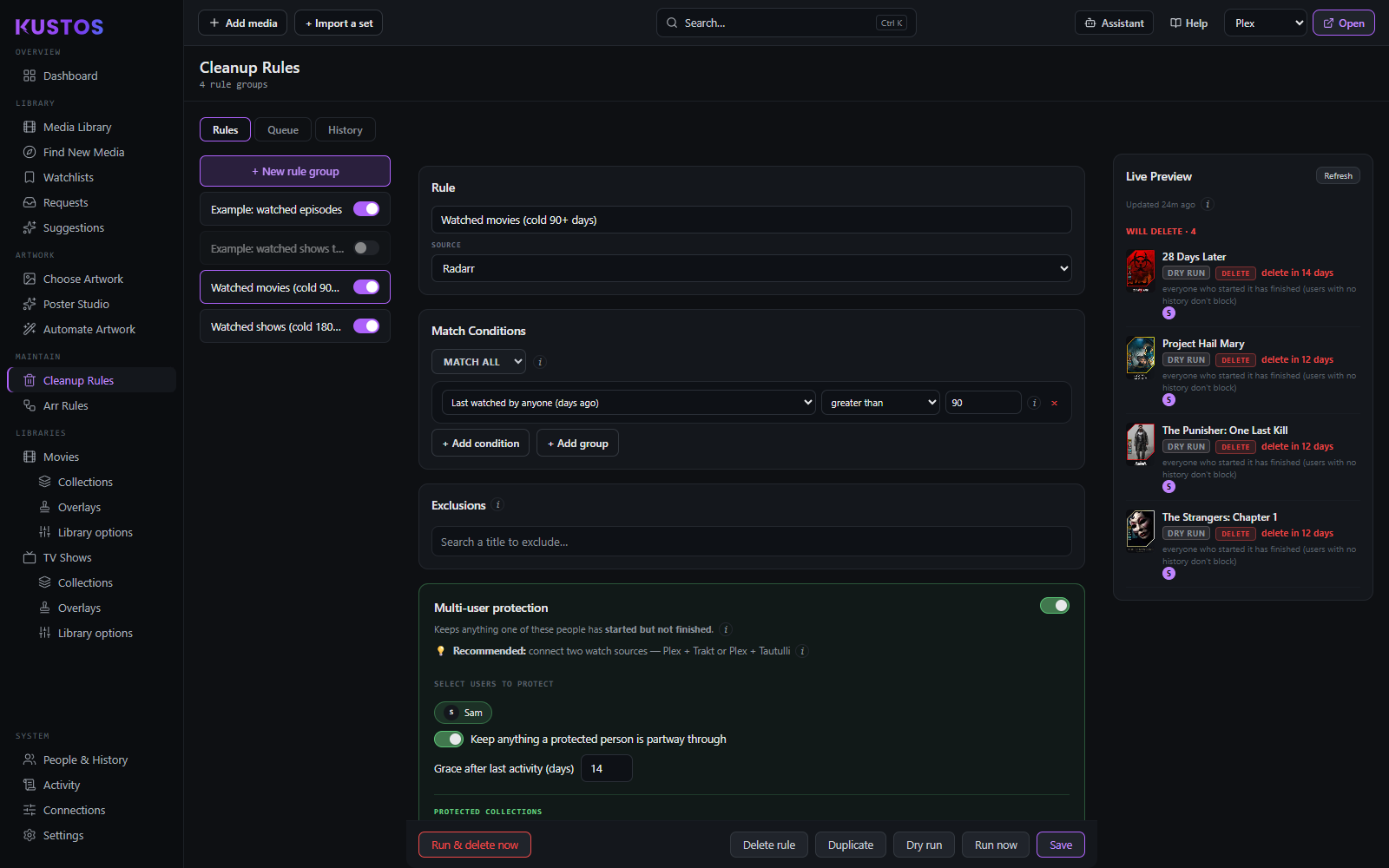
Cleanup rules describe what should be gone and protect what someone is still watching — with a dry run in front of everything.
- —Safe mode reports what a rule would do and deletes nothing; those items show on the dashboard marked as a dry run.
- —Nothing a rule matches is deleted straight away: it enters Leaving Soon with a countdown (7 days unless you change it), and you can keep or remove anything before then.
- —A rule never deletes more than its cap in one pass; anything over waits for the next pass.
- —The exception is Run & delete now, which skips the countdown and deletes straight away. Turn on the Sonarr/Radarr recycle bin if you want deletes to be recoverable.
What the house wants, and what to watch next
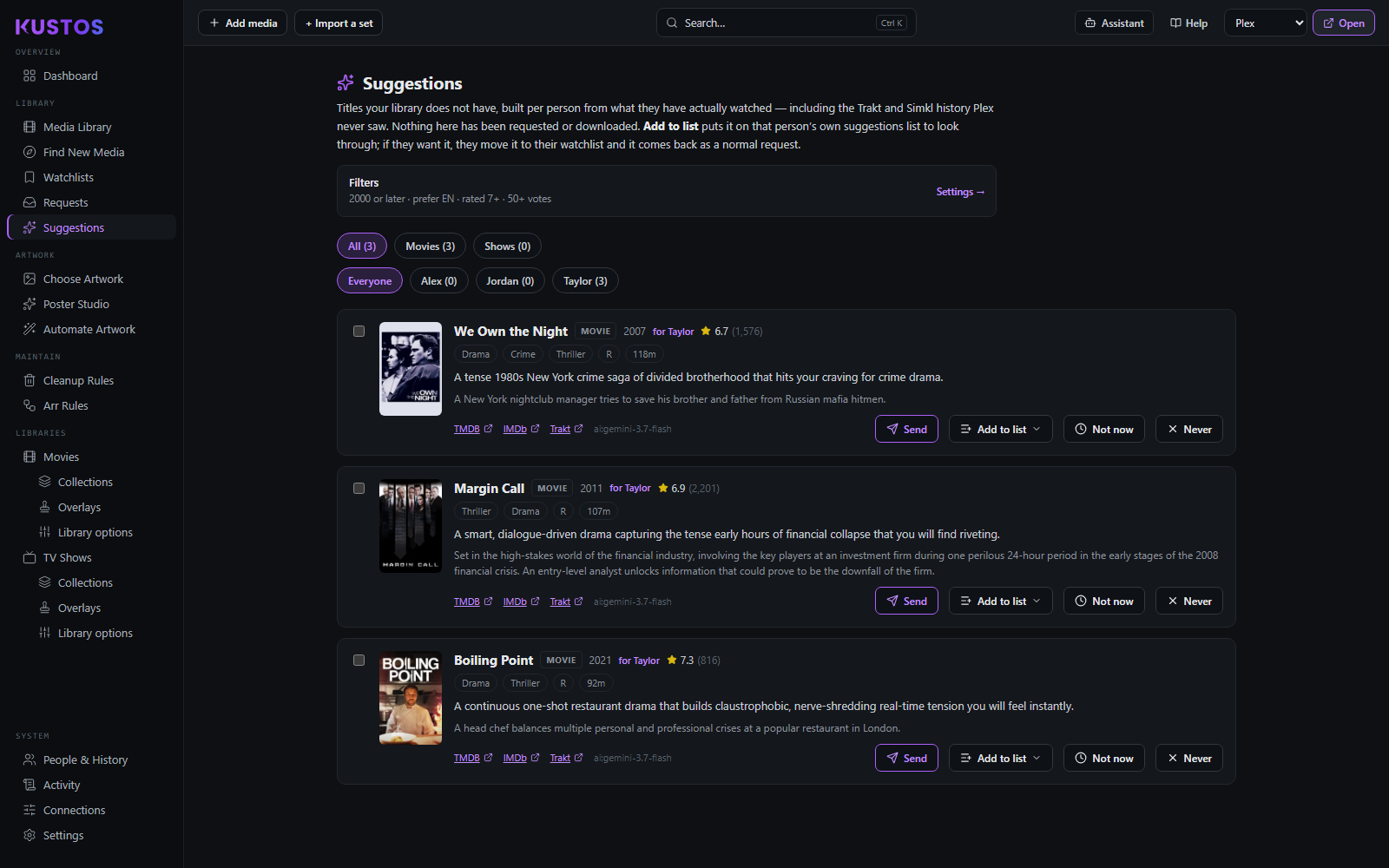
Someone watchlists a title and it appears as a request, tagged with who asked. Suggestions are worked out per person, never for the household as a lump.
- —Watchlist requests arrive within minutes, not the next day.
- —Approving one hands it to Sonarr or Radarr with the right profile and folder.
- —Every suggestion carries a one-line reason, because a recommendation you cannot argue with is one you cannot correct.
- —Not now puts a pick aside for later; Never takes it out of consideration for good.
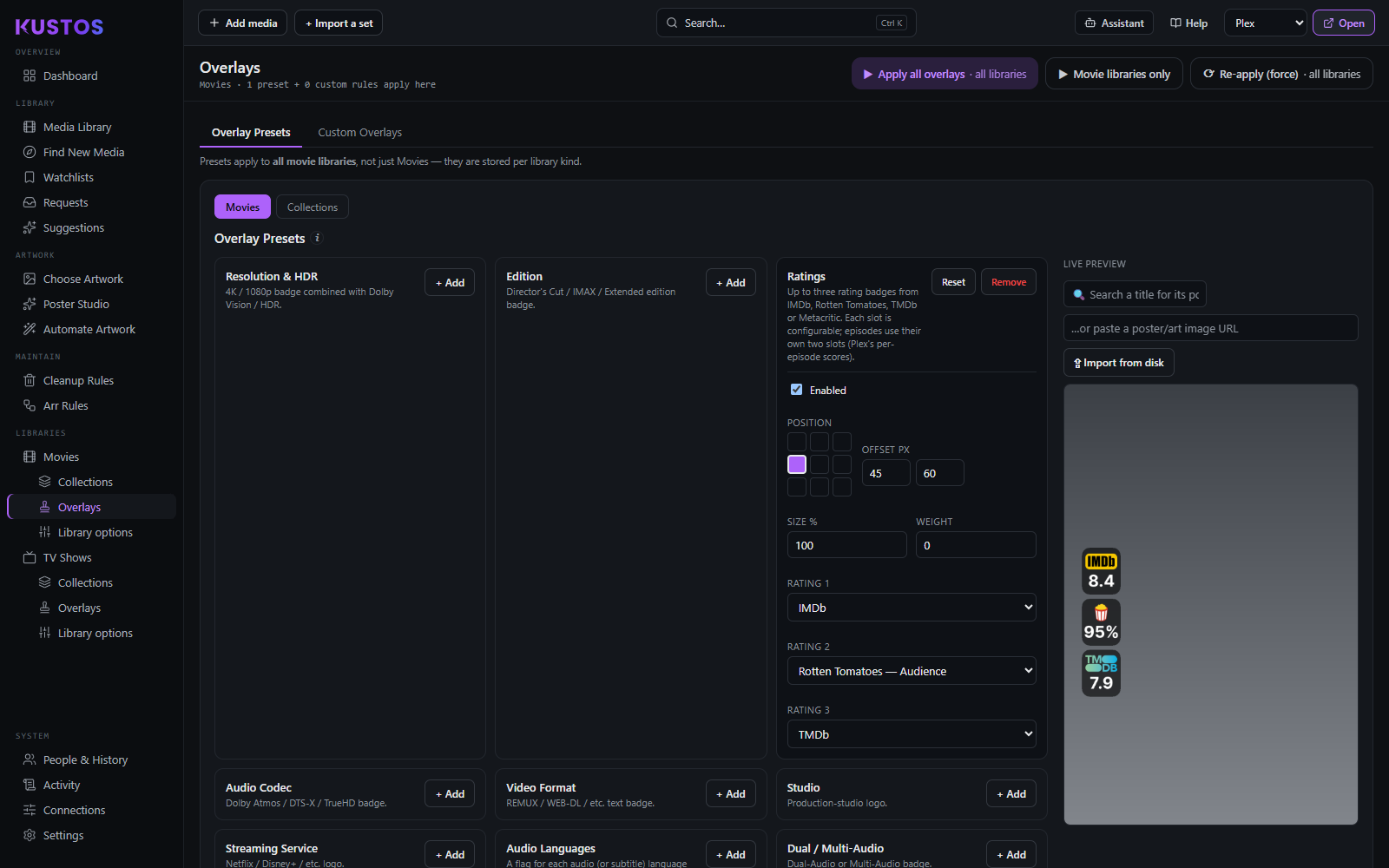
Overlays, per library and media type
Resolution, ratings, status, streaming-service and award badges stamped onto posters, set where the library lives.
- —Global defaults, then per library, then the collection itself.
- —Already using Kometa? Its asset folders can be imported; overlays are set up again here with switches.
- —Nothing to hand-write — it is all switches and previews.