Up and running in three steps
Kustos runs on the machine your library already lives on, and stays on your own network. Nothing to configure by hand before you can look around.
Sign in with Plex
Use the Plex account that owns your server — that account becomes the admin, and from then on it is the only one that can sign in. Everyone else links to it by invite.
Start the trial
Press Start free trial. The 30-day trial needs no card, and nothing is maintained until it has started.
Let it find the rest
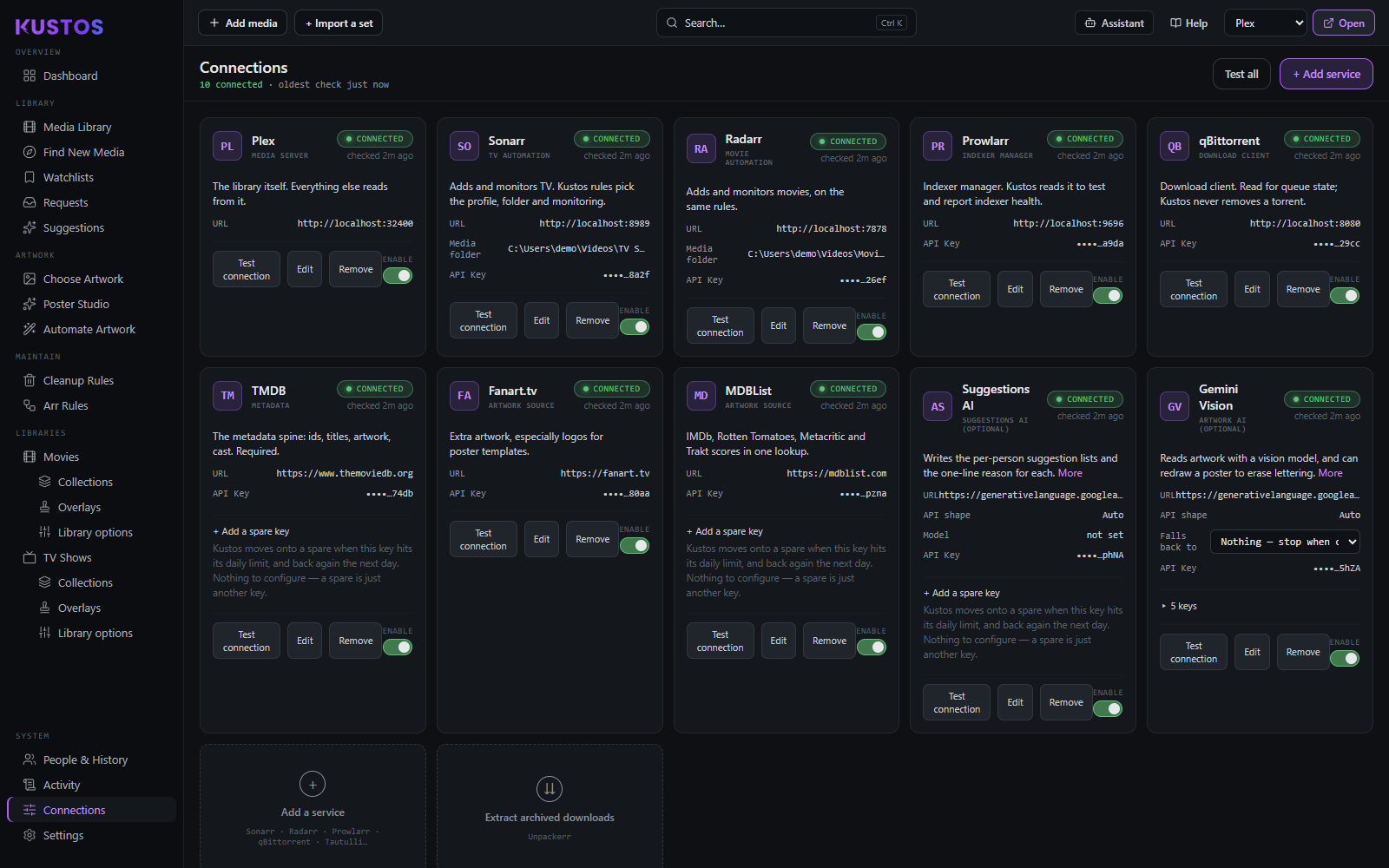
Kustos looks for Sonarr, Radarr, Tautulli and the others already running on the same machine and offers them, so you rarely type an address.
Invite links connect accounts, not people
Kustos is a single-operator app. An invite link is a one-page form where someone links their own Trakt account — it gives them no login and no access. For someone outside your home network to open it, Kustos needs an address they can reach: set External URL in Settings → General (a reverse proxy, tunnel or Tailscale name). Without one the link only works on your own network.
- —One page, one action: they link their Trakt account. There is no Kustos account, no login and nothing they can see or change.
- —Once linked, their watchlist turns into requests you approve.
- —Their plays join the merged watch history that protects what they are watching.
- —Reading plays from your Plex server needs no link at all — this is only for their own watchlist and their own Trakt history.
What to connect, and where each key comes from
Kustos works the moment Plex is connected. Everything below adds something — none of it is required, and you can add any of it later from Connections.