



Wiki / Poster templates
After it is saved
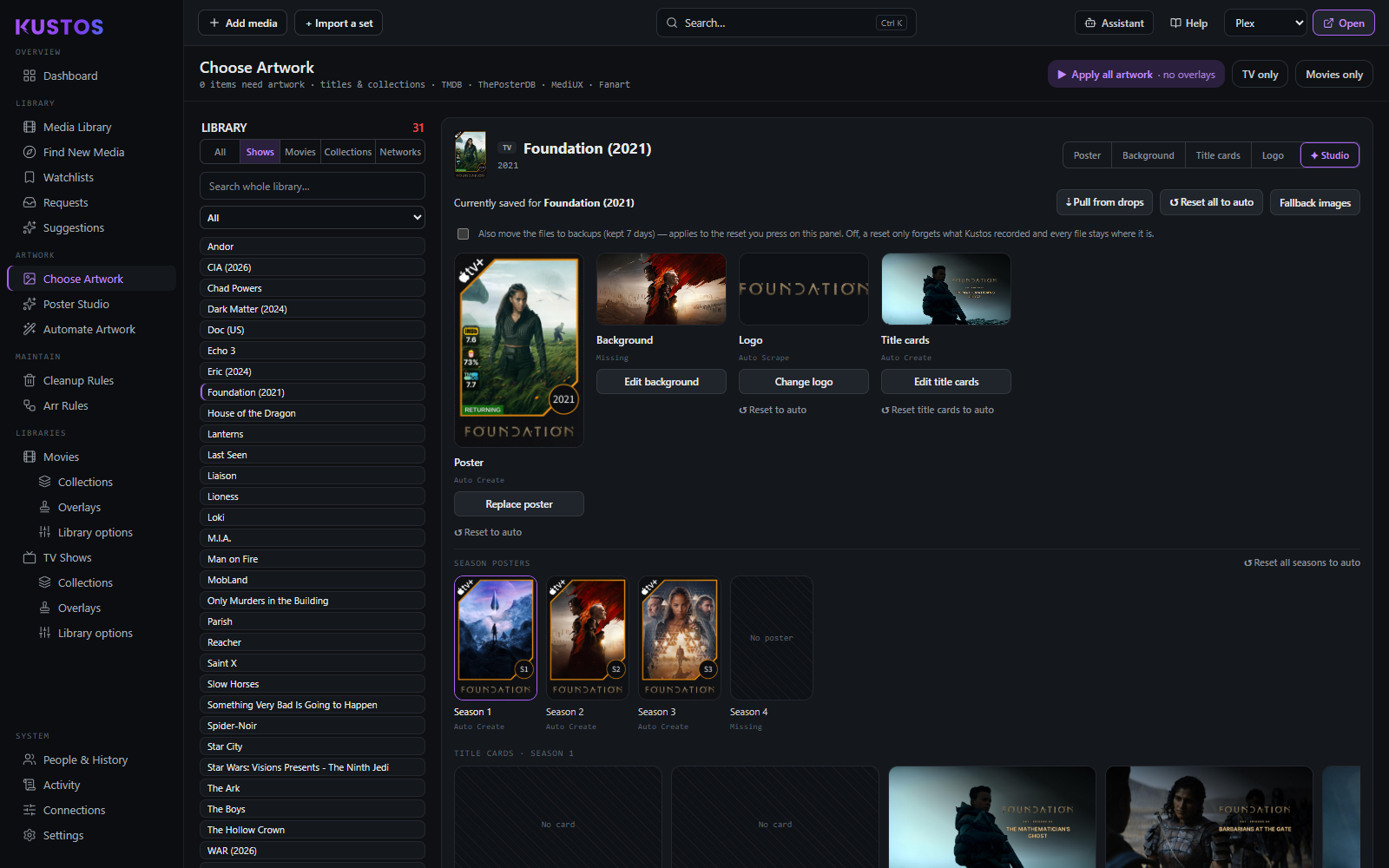
Choose Artwork shows, per slot, where the current art came from — Auto Create, Auto Scrape, Missing. Underneath it lists what is on disk for that title, split into Finished art (applied as-is) and Source ingredients (what Kustos builds your template with). That split is the two folders above, seen from one title's point of view.
Automate Artwork is where templates run: enrollment, which sources auto-scrape uses and in what order, and what the last run could not build.
A title Kustos could not build a poster for is listed with a reason. no_art means genuinely no source artwork — not a misconfiguration.