



Artwork
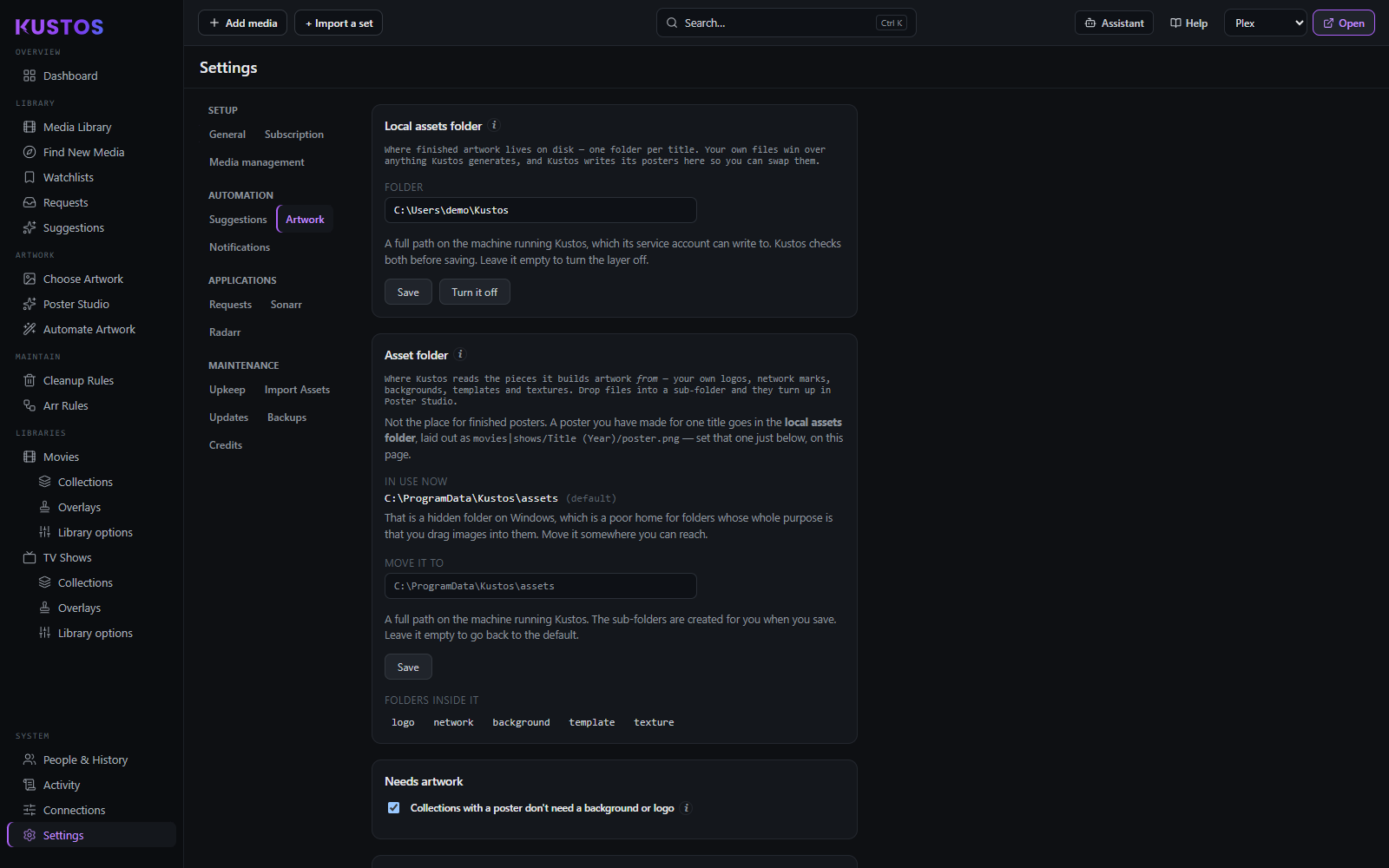
Both artwork folders and artwork housekeeping, on one page. Upkeep above holds cleanup safety only; artwork upkeep moved here. Top to bottom: the two artwork folder cards, then auto-art upkeep.
Collections with a poster don't need a background or logo (on by default) keeps collections that already carry a poster off the Needs artwork list and out of the Missing folders for those two slots. A Not needed tick on any single title's or collection's Saved card in Choose Artwork overrides it, in either direction.
Auto-art upkeep
| Setting | What it does |
|---|---|
| Overlay poster cache | Overlays keep a clean copy of each poster so badges can be redrawn without re-downloading the original. Titles you have removed are cleared out nightly. This is the single largest thing in the database on a big library. |
| Clean up storage now | Runs that prune immediately rather than waiting for the nightly pass. |
| Media with no files | Movies and TV shows each choose: Hide it in the library (default), or Also delete it from Radarr / Sonarr. The second removes the entry from the arr on a nightly pass. A title added in the last two weeks is skipped, because it may still be searching; unreleased titles are never touched; and the cleanup safety cap applies. No files are touched, because there are none. Titles not yet released or aired never count — 0 bytes is correct for them, so they stay visible instead of being swept up as missing. |
| Remove all overlays | Strips every overlay Kustos drew, restoring the clean base poster. |
| Reset all artwork to Plex defaults | Releases Kustos's claim on every slot and lets Plex's agent art come back. Destructive and not reversible from inside Kustos — the provenance is what is lost, not just the pixels. |
When you delete media, what happens to its artwork entry
Eight rows, each a list Kustos keeps, each with its own trigger. They are separate on purpose: a film you delete can drop its poster scrape while a show's title-card schedule keeps waiting for the show to come back.
Every row offers the same three choices.
| Choice | Fires when |
|---|---|
| Keep it (never auto-remove) | Never. The entry stays until you remove it yourself. |
| When the media has no files on disk | The looser trigger. A title you deleted on disk but left in Sonarr/Radarr still drops its entry. |
| Only when removed from Sonarr/Radarr | The stricter one. Nothing happens until the film or show is gone from Sonarr/Radarr entirely. |
Auto-scrape lists are sets you enrolled that re-apply on a schedule.
| Row | What it holds |
|---|---|
| Posters — Movies | MediUX poster sets you enrolled on a movie. |
| Posters — TV | MediUX poster sets you enrolled on a show. |
| Title cards | MediUX episode-card sets you enrolled on a show. |
| Collections | MediUX collection and franchise sets. |
| ThePosterDB | Enrolled TPDb set and uploader URLs. Not split by kind, because a TPDb entry is a URL and one set can cover films and shows at once. |
Auto-create lists are your own designs rather than somebody else's sets.
| Row | What it holds |
|---|---|
| Title cards | Shows enrolled on the auto title-card schedule. |
| Posters — Movies | "Couldn't build" entries for films you templated. |
| Posters — TV | "Couldn't build" entries for shows you templated. |