



Collections
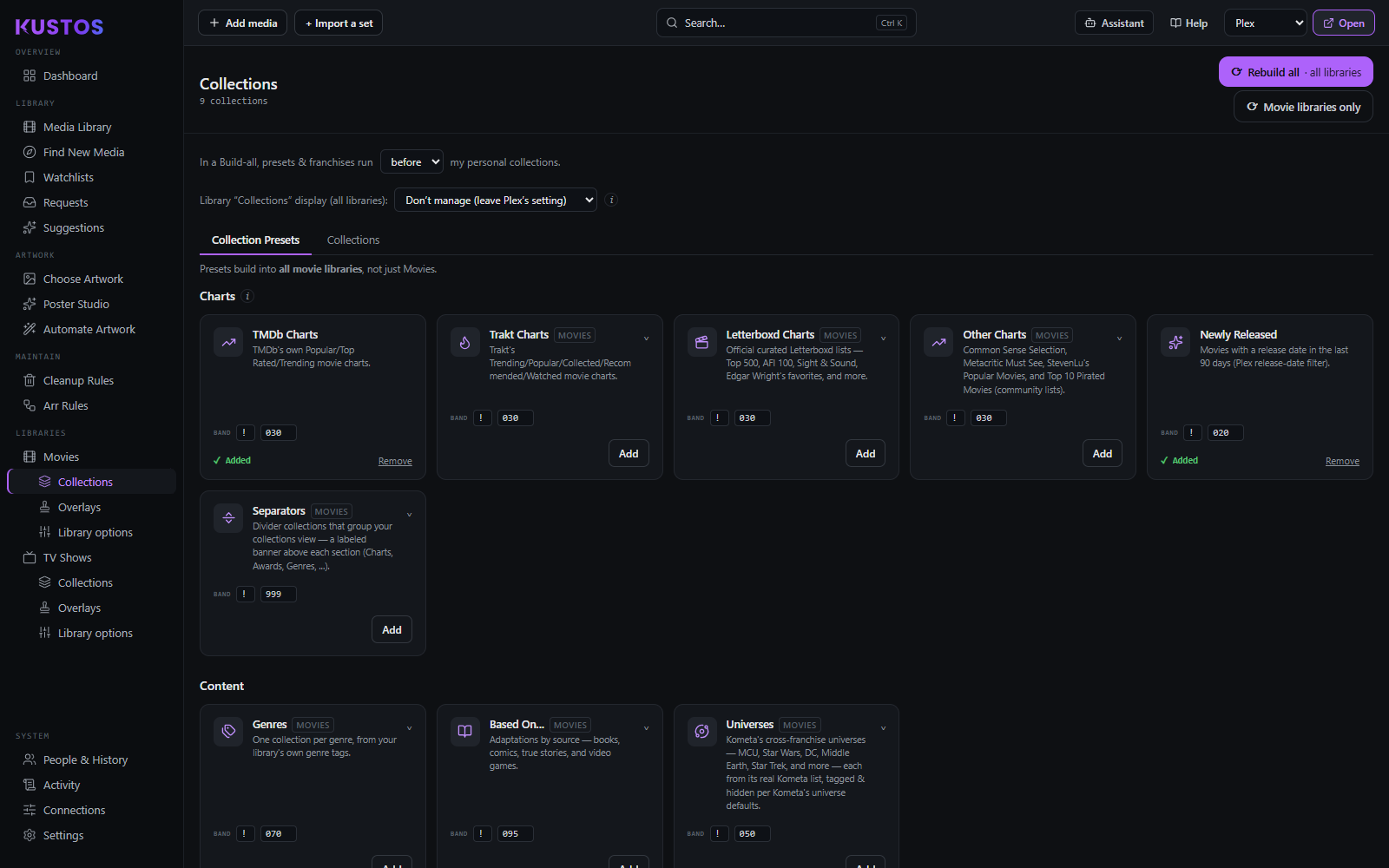
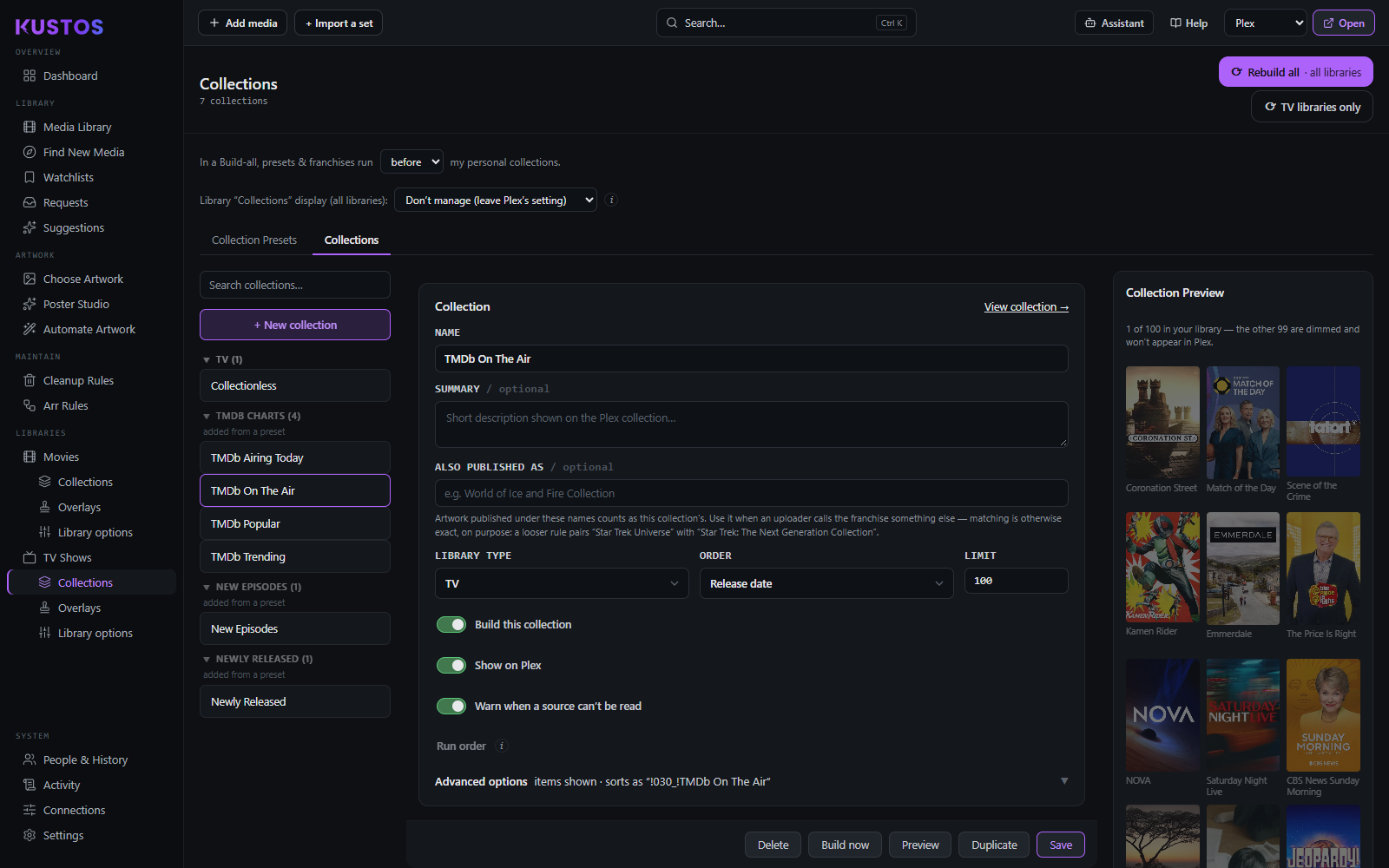
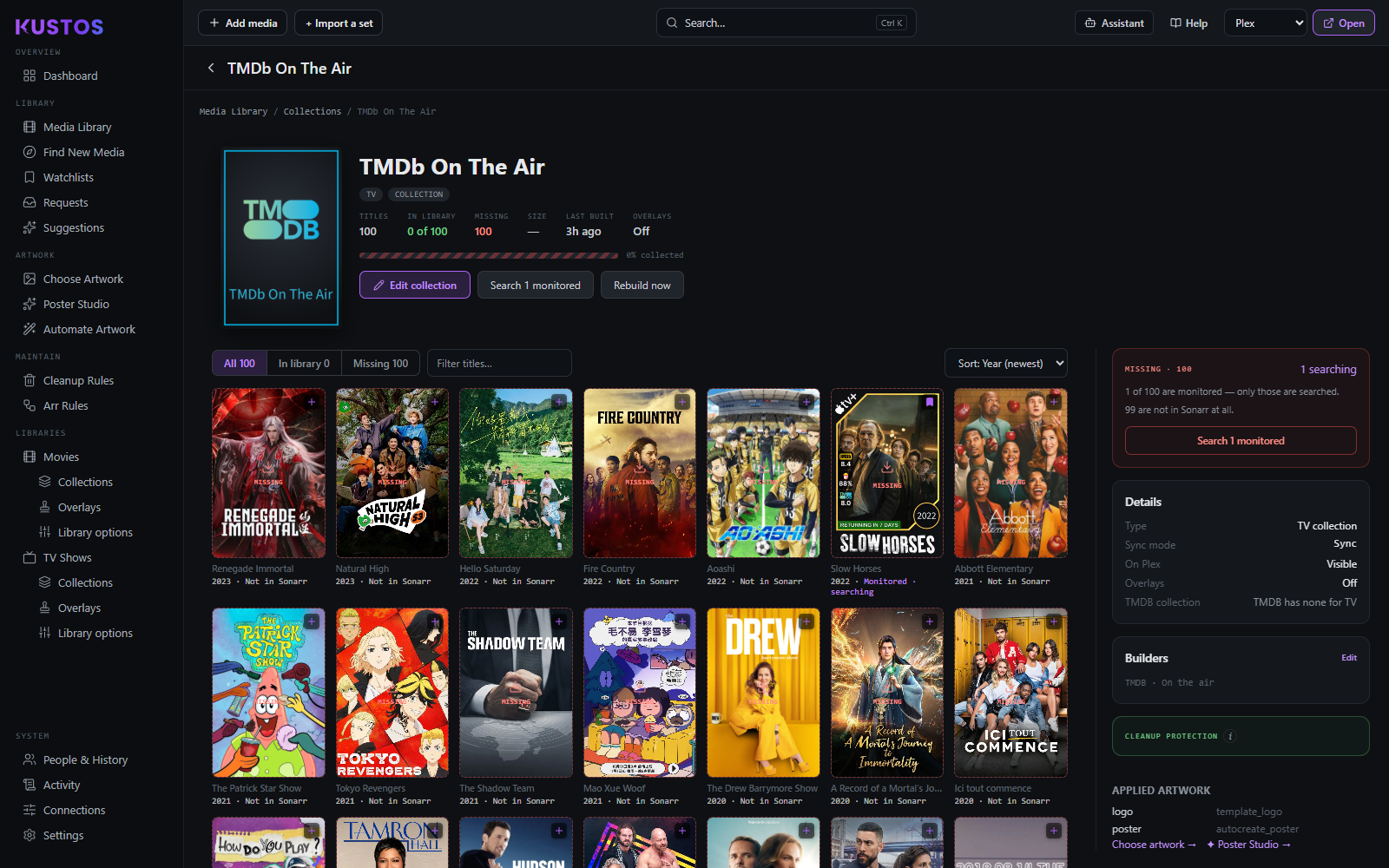
Two tabs: Collection Presets and Collections.
- Presets — a large ready-made catalog: Charts, Genres, Decades, Franchises, Awards (Oscars, BAFTA, Emmys, Golden Globes, Critics Choice, Cannes, Berlinale, Venice), Content Ratings and Common Sense age ratings, seasonal and heritage-month collections, streaming services, studios, and universes (Marvel, DC, Conjuring, Arrowverse, Fast & Furious, Alien/Predator…). Each preset lands as a normal collection in the Collections tab, editable like any other — order, limits, *arr tags and Plex labels live there, not in the preset panel.
- Custom — build from any of ~55 sources; multiple sources on one collection are merged and de-duplicated.
Per collection you control: sources, filters, sort order, item limits, Plex labels, Sonarr/Radarr tags, schedule, poster and visibility, and whether Kustos adds missing members to your *arr.
Franchises and Universes. Kustos can adopt every franchise collection Plex auto-created from your metadata in one click; discovery runs per library type so movie and TV franchises stay separate. A franchise has a minimum member count and counts owned titles. A Universe groups several franchises; backing one with a real TMDB collection lets the artwork scraper find collection art, which a plain list URL can't.
Smart collections. Kustos can write a real Plex smart collection (Kometa's smart_filter) that you keep editing in Plex; the Kustos filters still apply at build time.
Collectionless. A collection of everything not in any other collection. Excluded collections' items still count as collectionless.
Adding missing members. For collections that add what you don't own, Kustos adds the missing films itself — that is the only way watch-aware filters can work, because Radarr's own collection monitoring has no watch data and would add every member. Leave Radarr's collection monitoring OFF for these collections; with both on, Radarr adds everything anyway and the filters do nothing. Trade-off: Radarr's flag would pick up a film added to the collection next year instantly; Kustos picks it up on the next sweep.
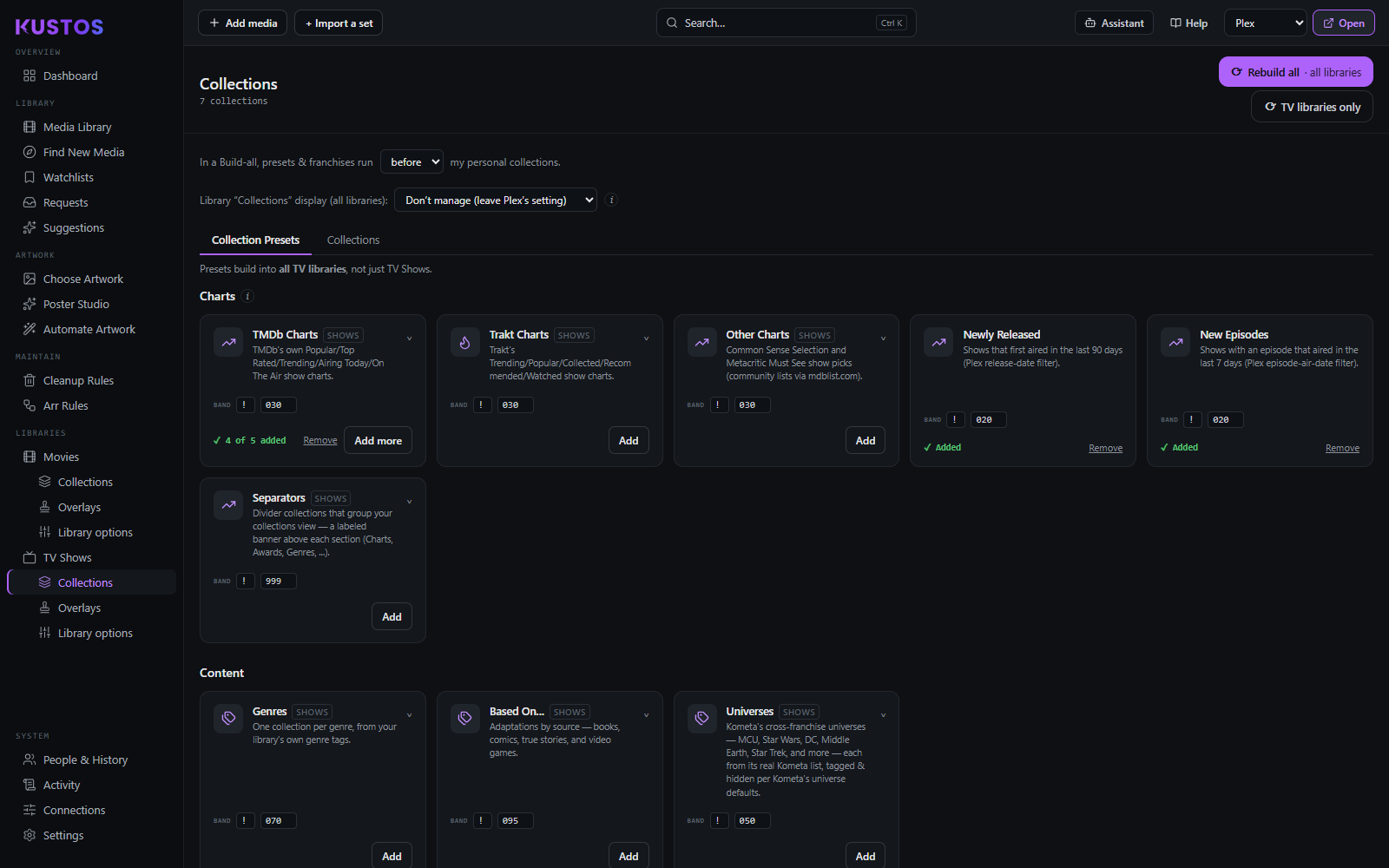
Suggested for you — per-person Plex rows
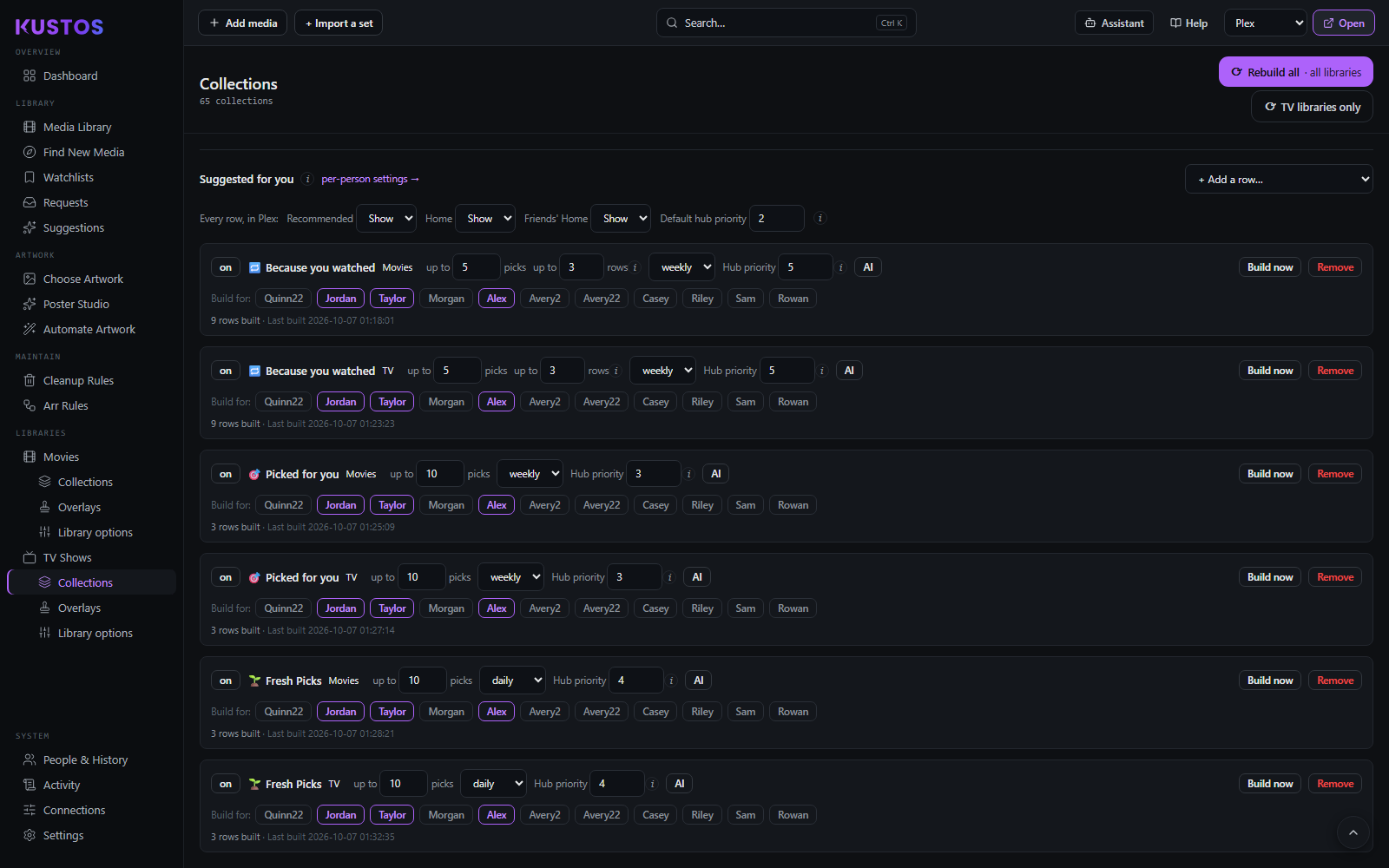
At the bottom of Collection Presets is a second kind of preset: rows that appear on a person's own Plex home screen.
Where an ordinary preset makes one collection for everybody — one per genre, one per studio — these mostly make one collection per viewer, and rebuild on a schedule. That is why they sit in their own block rather than beside the others.
Every row is drawn from titles you already own. The model picks off your shelf; it cannot suggest something that is not in the library. That is what makes these different from Suggestions, which reaches outside it — and it is why these rows need no Trakt and work for people Suggestions cannot serve.
Seven kinds ship. Each is offered as a movies row and a TV row, except Movie night.
| Row | What it collects | Per person? |
|---|---|---|
| Picked for you | A general pick from what they have not seen. | Yes |
| Movie night | A short shelf to choose from on a Friday. Films only — the TV version of it would just be Picked for you. | Yes |
| Because you watched | Titles near something they recently finished. Several rows, each named after its seed — "Because you watched Dune: Part Two". | Yes |
| Fresh Picks | Recently added, and outside their usual run. | Yes |
| Happy to see again | The one row that inverts the rule: things they have finished, put back in front of them. | Yes |
| From the vault | Older titles they have never tried. Built once and never re-picked — the shelf stays put, apart from titles they watch, which are replaced. | Yes |
| Popular on this server | Titles several people in the house have watched. Not per person — one shelf everybody sees, with nothing personal in it, so it carries no per-viewer label and needs no audience at all. | No |
There is deliberately no separate "More like this". Its only difference from Because you watched was where the seed came from, which is the same row with the seed set by hand rather than a different row.
What you set on each card
| Control | What it does |
|---|---|
| on / paused | Whether the card builds at all. |
| up to N picks | How many titles the row holds, 1–50. Starts at 10, or 5 for Because you watched. |
| up to N rows | How many collections this kind makes per person, 1–10. **Only appears on Because you watched**, because every other kind makes exactly one row and a box that can only say 1 is not a control. Starts at 3, which is a home screen's worth. |
| daily / weekly | How often it is rebuilt. Weekly by default, because a row that changes nightly is noise and nobody gets through ten films in a day. From the vault ignores this — it is built once. |
| AI / no AI | Whether the model chooses from the candidates or the row is simply newest first. A new row starts with AI off; turn it on per row. An AI row spends your Suggestions AI key every time it is built. |
| Build now | Builds that card immediately for everyone it is on for, ignoring the schedule. |
| Remove | Removes the row type. Collections it already built are left alone. |
Who gets it is one button per person, and that is deliberate rather than a multi-select. Switching one person on is its own record and cannot disturb anyone else's, which is how an audience gets quietly emptied by a save that forgot a field. The same switches appear beside each person's other suggestion settings, so you can set it from either end.
Build now reports back on the card itself, including when nothing was built and why. A build detaches from the click that started it — it resolves a few thousand candidates and asks a model — so the card polls while it runs rather than leaving you guessing.
No AI configured hides the AI button rather than greying it. A row still builds without a model — newest first — so the card is complete without the control, and a greyed toggle would only advertise something this screen cannot help you get.