



Wiki / Install

The onboarding wizard

Onboarding is an admin surface (it stores API keys), so you sign in first. It walks three steps.
kustos · your server
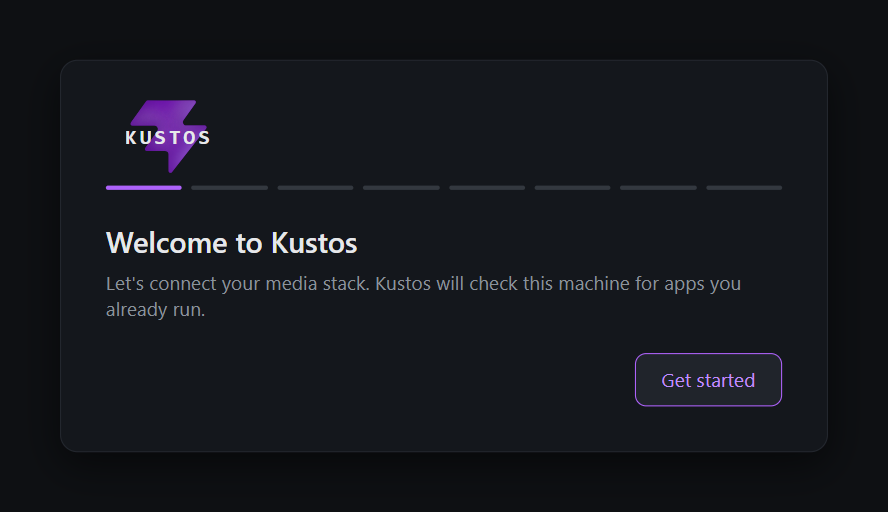
The first onboarding step: "Welcome to Kustos — let's connect your media stack
The first onboarding step: "Welcome to Kustos — let's connect your media stack. Kustos will check this machine for apps you already run", with a Get started button.
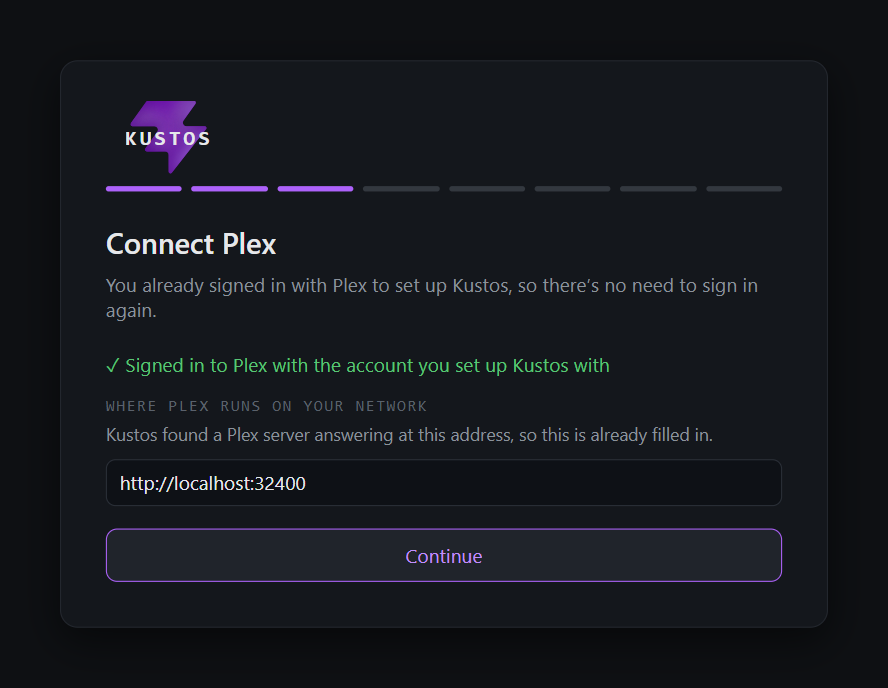
  1. Plex — connect the server and choose which libraries Kustos manages. You signed in with Plex to claim the install, so there is nothing to sign in to again; Kustos fills in the address it found.
kustos · your server
Connect Plex: already signed in with the account that set Kustos up, and the server address http://localhost:32400 filled in
Connect Plex: already signed in with the account that set Kustos up, and the server address http://localhost:32400 filled in.
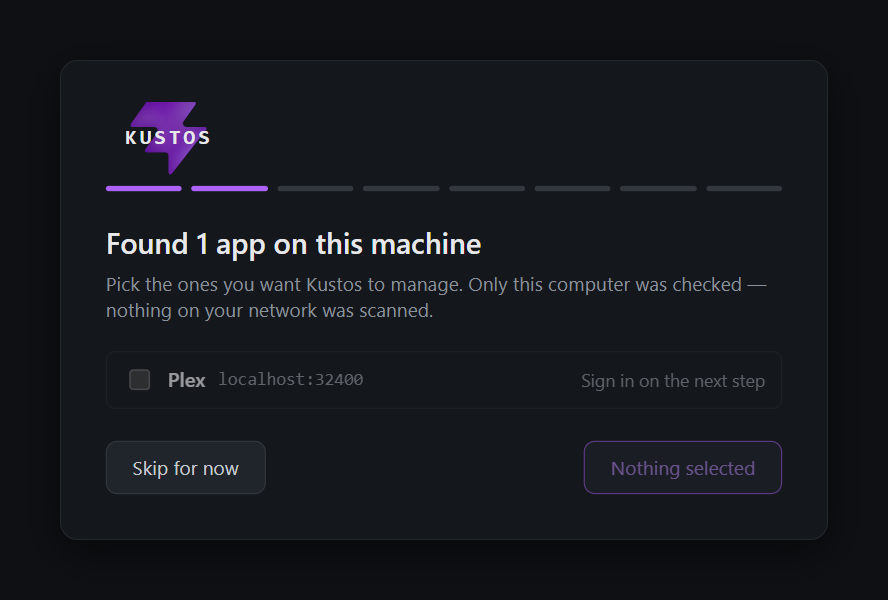
  1. Detect — Kustos scans for services already running on this machine and offers them, so you rarely type an address by hand. The detection pass only looks at this computer. Nothing on your network is scanned, so anything you run on another machine you add by hand in the next step.
kustos · your server
The detect step listing one found app, Plex on localhost:32400, with a tickbox beside it and a Skip for now button
The detect step listing one found app, Plex on localhost:32400, with a tickbox beside it and a Skip for now button.
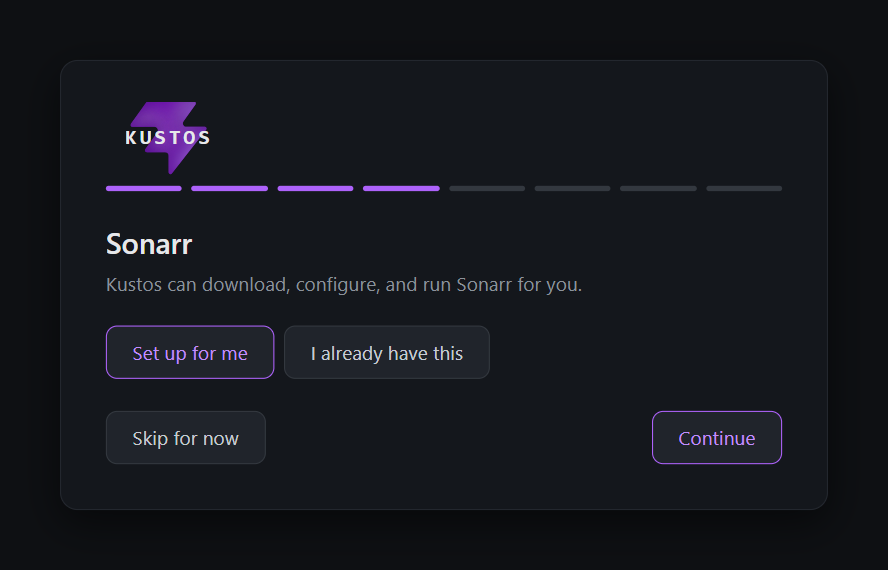
  1. Core services — confirm Sonarr / Radarr / the rest, and add keys. Each one offers the same two answers: let Kustos install and configure it, or point Kustos at the one you already run.
kustos · your server
The Sonarr step, offering "Set up for me" or "I already have this"
The Sonarr step, offering "Set up for me" or "I already have this".
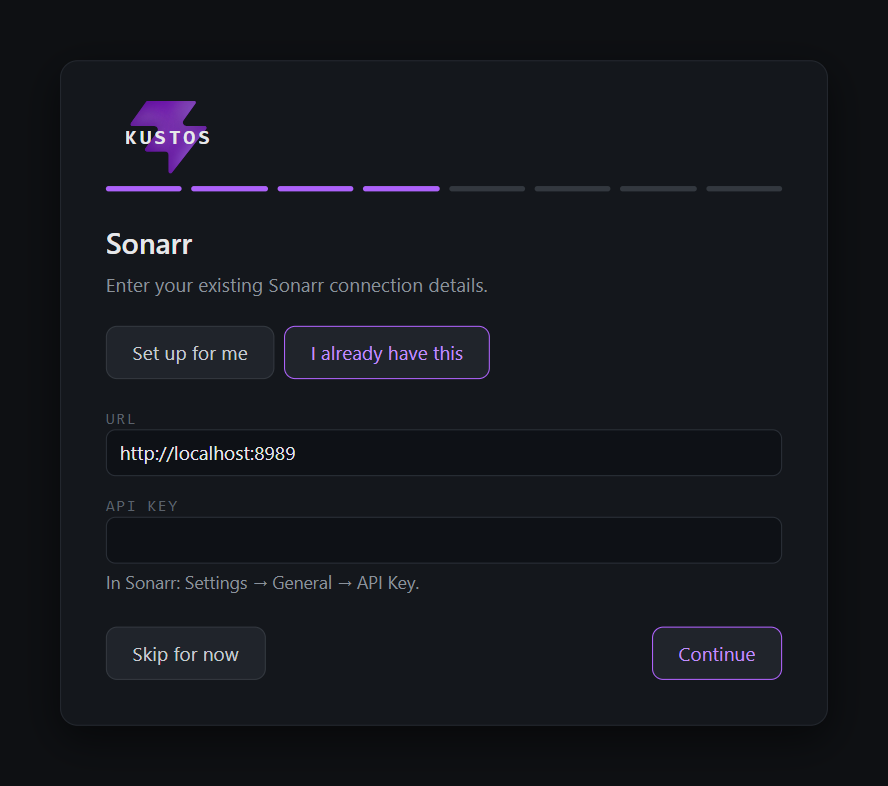
  1. Choosing I already have this asks for the address and the API key, and tells you where to find the key in that app.
kustos · your server
The same step after choosing "I already have this": a URL field reading http://localhost:8989, an empty API key field, and a hint reading "In Sonarr: Settings → General → API Key"
The same step after choosing "I already have this": a URL field reading http://localhost:8989, an empty API key field, and a hint reading "In Sonarr: Settings → General → API Key".
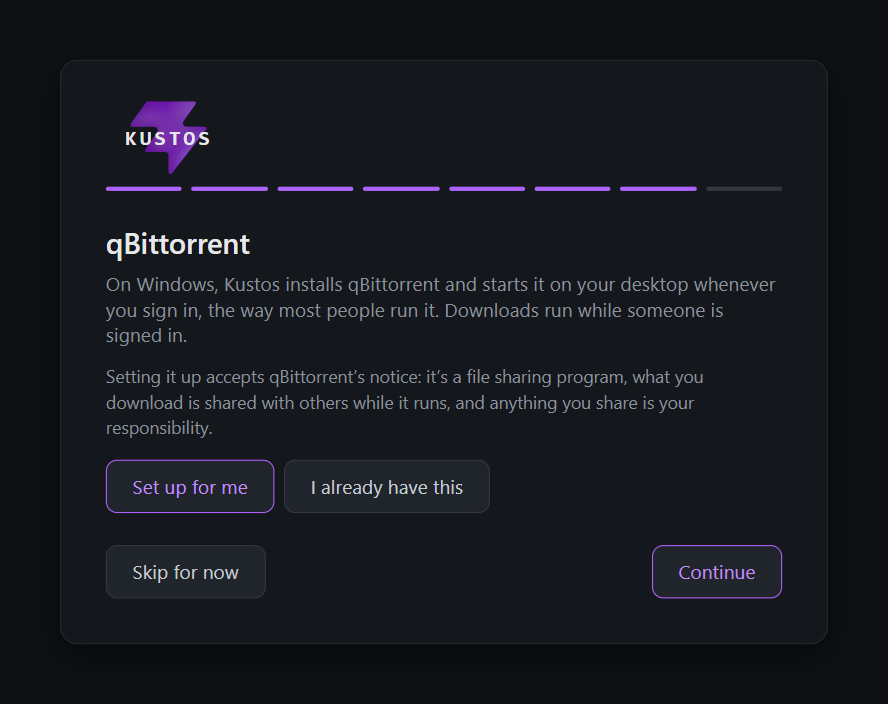
  1. The qBittorrent step says plainly what setting it up accepts, rather than burying it.
kustos · your server
The qBittorrent step, explaining that Kustos installs it and starts it when you sign in, and that setting it up accepts qBittorrent's notice about file sharing
The qBittorrent step, explaining that Kustos installs it and starts it when you sign in, and that setting it up accepts qBittorrent's notice about file sharing.

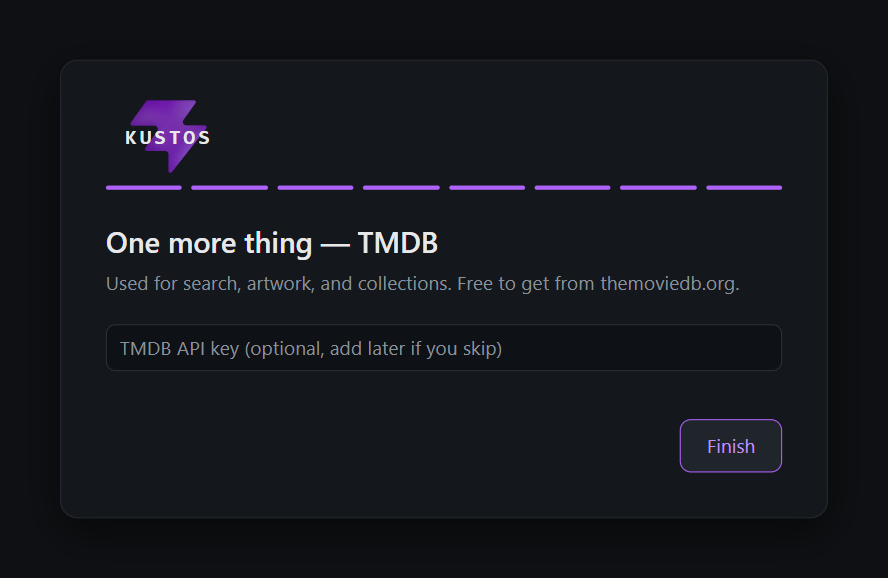
Last comes TMDB, which is optional here and can be added later in Settings.
kustos · your server
The final onboarding step, "One more thing — TMDB", with an optional API key field and a Finish button
The final onboarding step, "One more thing — TMDB", with an optional API key field and a Finish button.

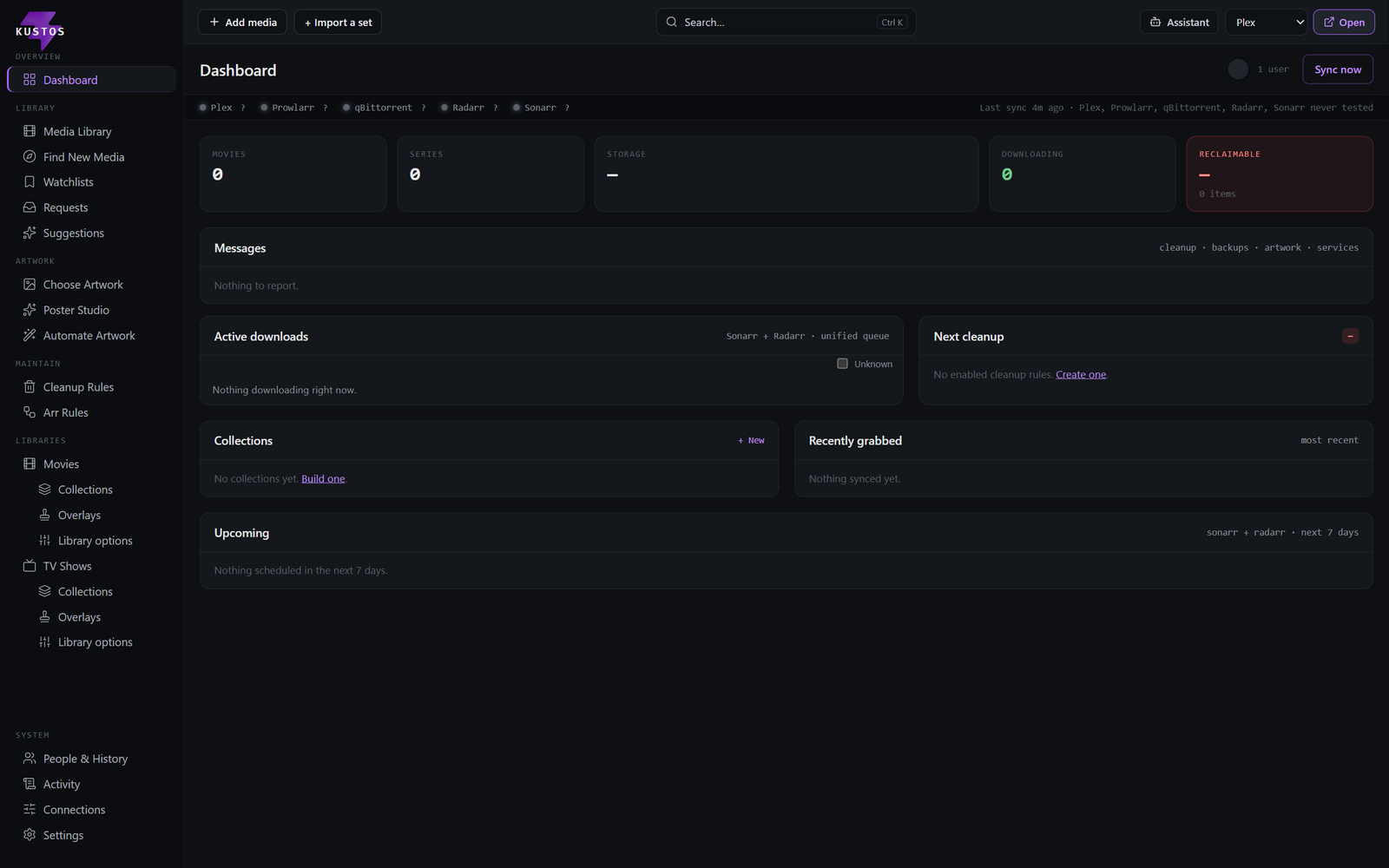
Then you are looking at your own Kustos, empty and waiting for its first sync.
kustos · your server
The Kustos dashboard on a fresh install: zero movies, zero series, nothing downloading, no collections yet and nothing to report
The Kustos dashboard on a fresh install: zero movies, zero series, nothing downloading, no collections yet and nothing to report.

You can revisit any of it later in Connections.

Step 3 is where a setup usually stalls, because it sends you off to other sites to fetch keys. Getting your keys is the whole trip for every one of them: what each key does, what it costs, the numbered steps on the other site, and what you can safely skip. You do not need them all — Plex, TMDB and Fanart.tv are a working Kustos with artwork.