



Wiki / Libraries
Library settings
The full chart of every row on this screen, with its values, is on Library options — including what Inherited and Overridden actually do. This page is the part that catches people out.
Why a library would differ at all: a tighter minimum for Anime, a different hide/show for a 4K library, without changing anything else. Every field starts inherited, so a library you never touch keeps following the global default forever.
The three "Visible on" rows
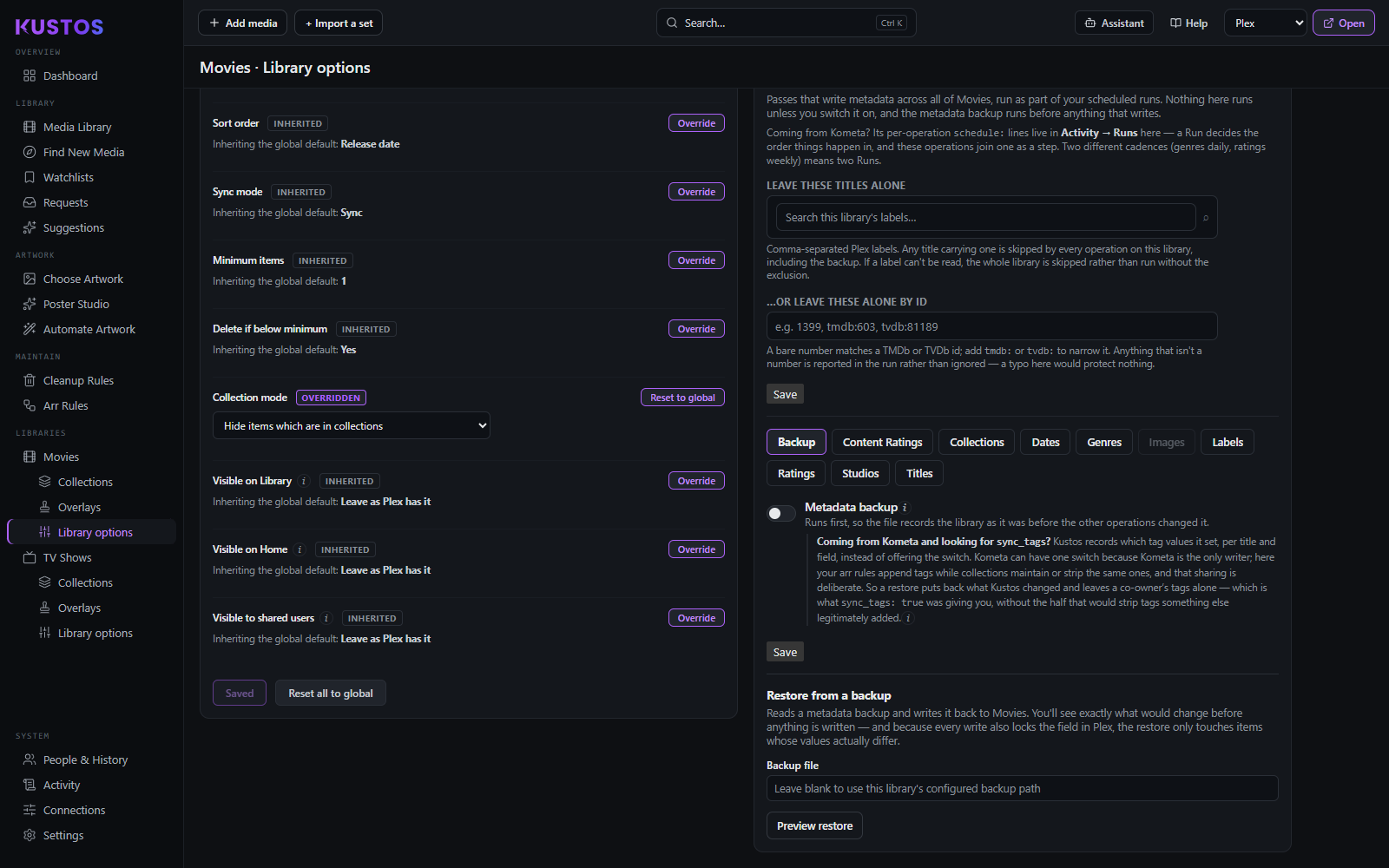
Visible on Library, Visible on Home and Visible to shared users are Plex Pass only — no effect on a server without it. "Leave as Plex has it" states nothing, which is different from hiding.