



Wiki / Libraries
Presets
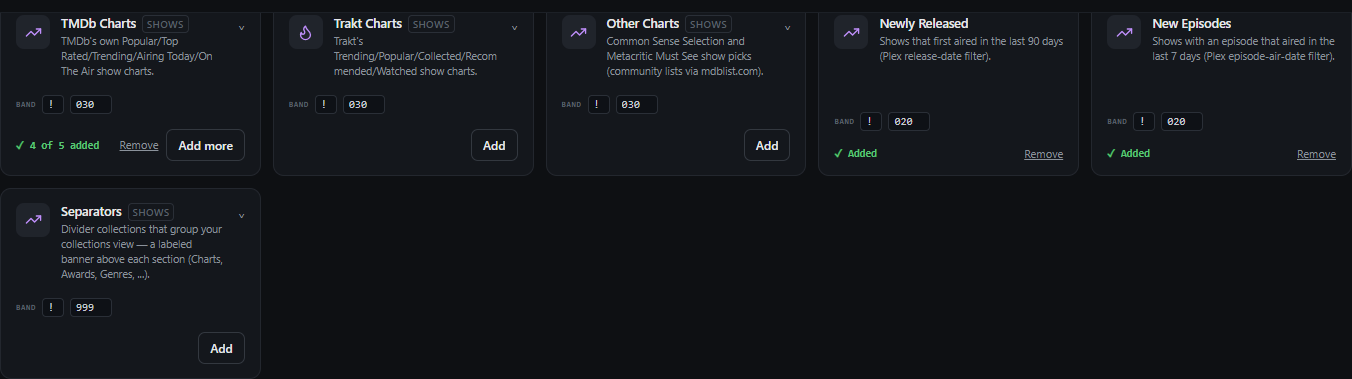
Popular Kometa-style collections, ready to switch on. Add the ones you want — each lands as a real, working collection in the Collections tab that you can edit like any other. Compound presets (awards, chart bundles) let you pick which of their collections to build.
Turn a set on
- Open Presets.
- Add the ones you want. Compound presets let you pick which of their collections to build.
- Set order, limits, *arr tags and Plex labels on each collection in the Collections tab, not here. They live per collection so they are not repeated once per preset.
- If the names come out uneven, use the naming suffix — see Naming.
To keep them growing on their own, turn on Automate collections. Presets you have added then grow nightly as your library does. Presets you have not added are left alone either way.
Naming — "add this word to the end of each name"
Evens up a set whose source list is inconsistent ("Star Trek" next to "Star Wars Universe"). The suffix is only added where it's missing — names that already end in it are left alone.