



Find New Media
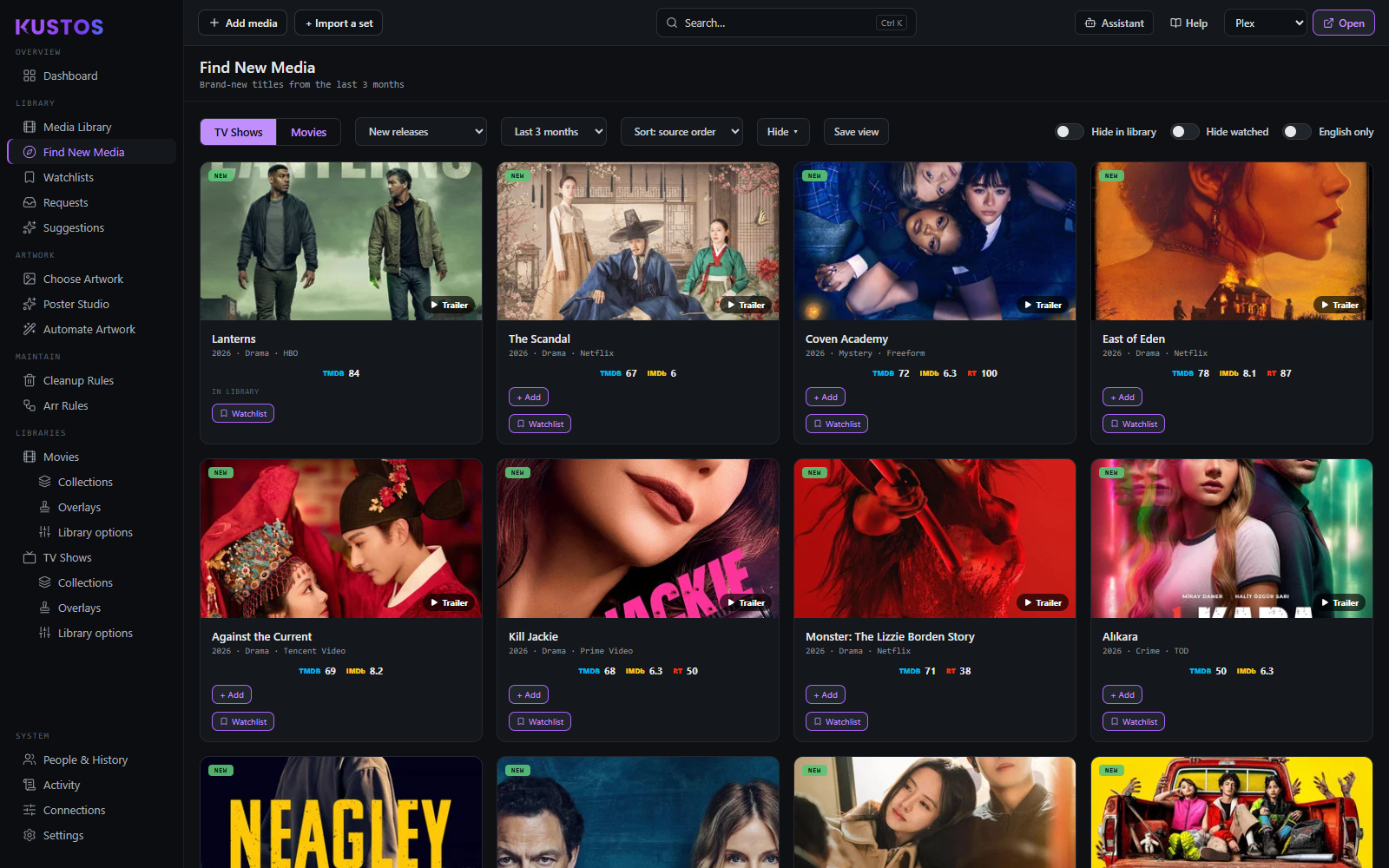
Discovery, sourced from charts and lists rather than from your library. This is the screen for "what should I add", where Suggestions is the screen for "what should a particular person watch".
Add something you do not own yet
- Pick a source from the list along the top: new releases, a TMDB or Trakt chart, or an MDBList list.
- Scan for titles without an IN LIBRARY marker. Kustos marks everything you already own or have watched, so you are never offered the same thing twice.
- Press Add on the title.
- Choose the *arr instance, quality profile and root folder when asked.
Or send it to somebody instead of adding it. The watchlist action puts the title on a person's list rather than downloading it, which is the polite answer to "can we get this" when you are not sure anybody will watch it.
Follow a list you care about
Any MDBList list works here — an awards list, a chart, or one you wrote yourself. Saved lists persist, so a list you add once stays on this screen and is there next time.
See Getting your keys if MDBList lists are not offered; they need a key.
What the sources are
| Source | What it is |
|---|---|
| New releases | Windowed to the last 1, 3, 6 or 12 months. |
| TMDB | Popular, Top Rated. |
| Trakt | Trending, Popular, Most Watched, Most Collected, Anticipated. |
| MDBList | Any list — awards, charts, or your own. Saved lists persist. |
Items carry a badge saying why they are on the list: NEW, NEW SEASON, POPULAR, TRENDING, ANTICIPATED, TOP RATED, MOST WATCHED. Ratings show on each.